
START HERE
The short answer
For current Photoshop, Adobe lists 8 GB as the minimum and 16 GB or more as recommended. Treat 16 GB as a starting point to assess ordinary design work, then consider more for large layered files or several demanding apps. Check the exact computer's upgrade limits before buying.
- Application minimums are not universal comfort targets.
- Open documents and multitasking matter more than a job title.
- Some all-in-one computers cannot have RAM upgraded later.
RAM is active workspace
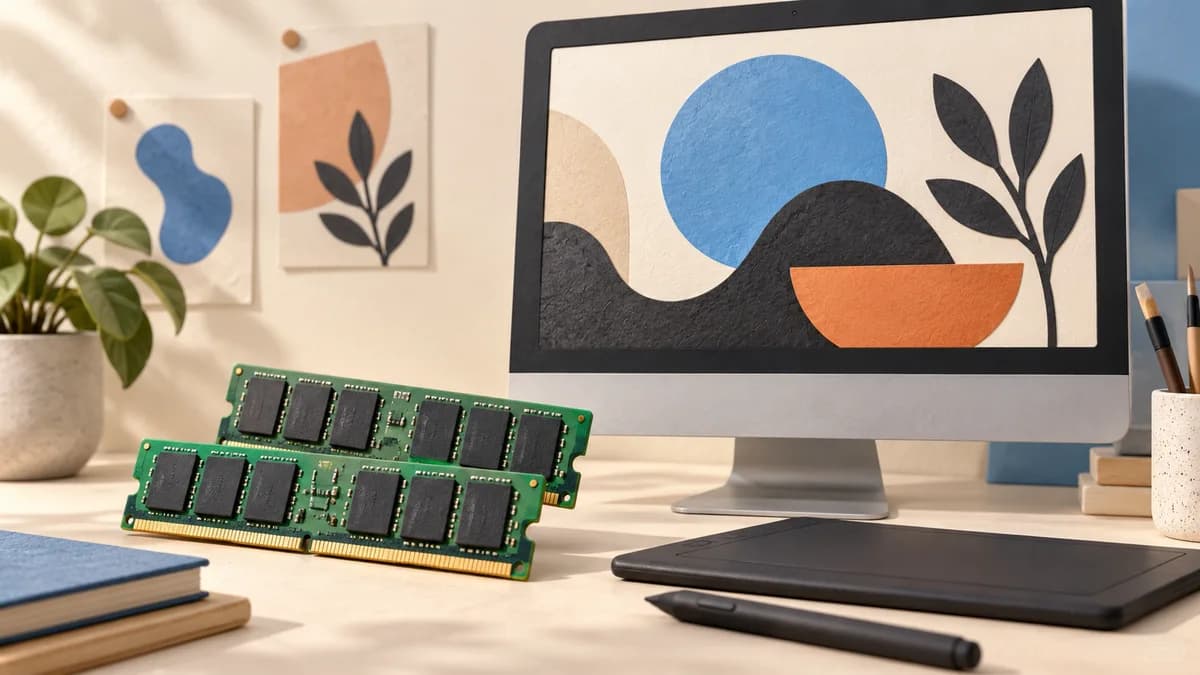
Photoshop uses RAM for active image data, layers and editing operations. When its allocated memory is insufficient, it can use scratch-disk space. That fallback is useful, but storage is not identical to having enough memory for the task.
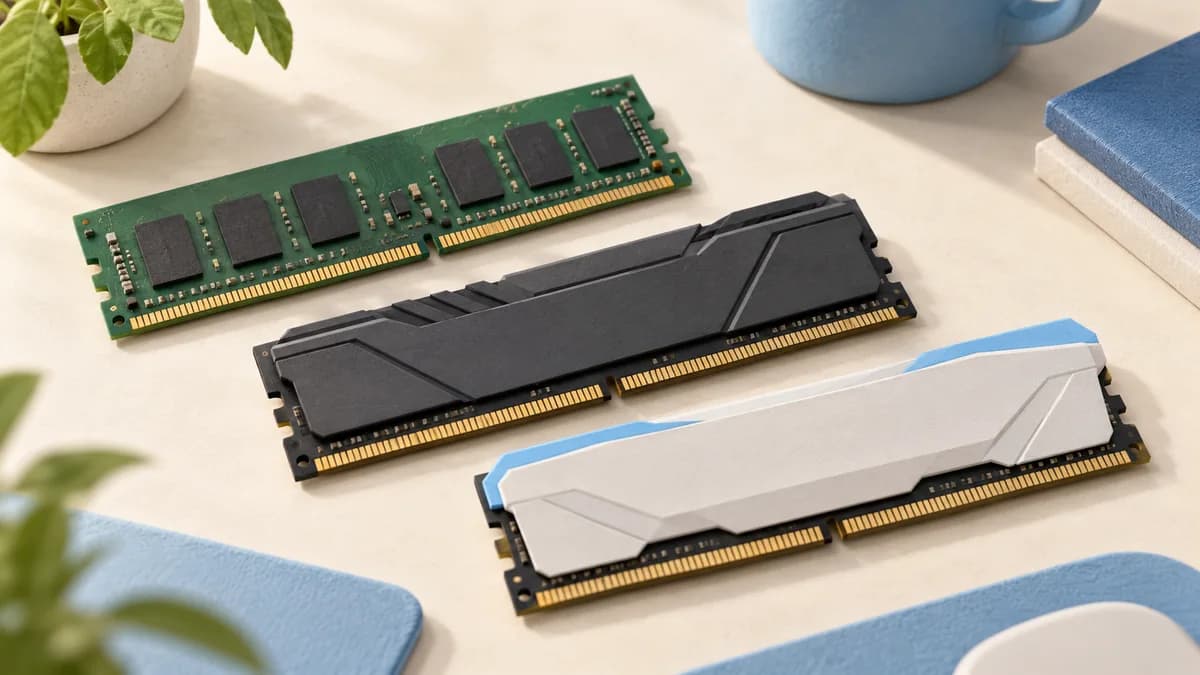
This is why a computer with a large SSD can still feel constrained during a complex edit. Keep capacity questions separate: storage holds files, system memory supports active work, and graphics memory serves graphics workloads. A purchase listing should identify each clearly.
Sources: Adobe: How Photoshop uses memory
Describe your actual workload
List the applications you use together and the largest typical projects, not just the largest file you have ever received. Include a browser, communication apps and reference documents if they stay open during work. These compete for resources too.
Before replacing an existing machine, observe a representative working session. Adobe's Efficiency indicator helps identify scratch-disk use in Photoshop. A slowdown can also involve the processor, graphics hardware, plug-ins or storage, so RAM should not automatically receive all the blame.

Sources: Adobe: How Photoshop uses memory; Adobe: Configure Photoshop performance preferences
Use requirements as a starting point
Adobe's current Photoshop requirements recommend 16 GB or more. That supports a practical starting conversation, not a claim that 16 GB is enough for every designer. Large layered projects and concurrent demanding applications can justify a higher configuration.
Consider a 32 GB option when your observed workload regularly pressures memory or when you want more room on a machine that cannot be upgraded. Treat that as a purchasing judgment, not an Adobe requirement for every project or a benchmark result from ChooseRight.
| Situation | Decision approach |
|---|---|
| Ordinary app use | Start with current recommended requirements |
| Large files and multitasking | Observe memory pressure and consider more capacity |
| Fixed-memory machine | Buy the capacity you expect to need |
| Slow despite free memory | Investigate other bottlenecks before upgrading |
Sources: Adobe Photoshop current desktop requirements; Adobe: Configure Photoshop performance preferences
Check whether the memory can change later
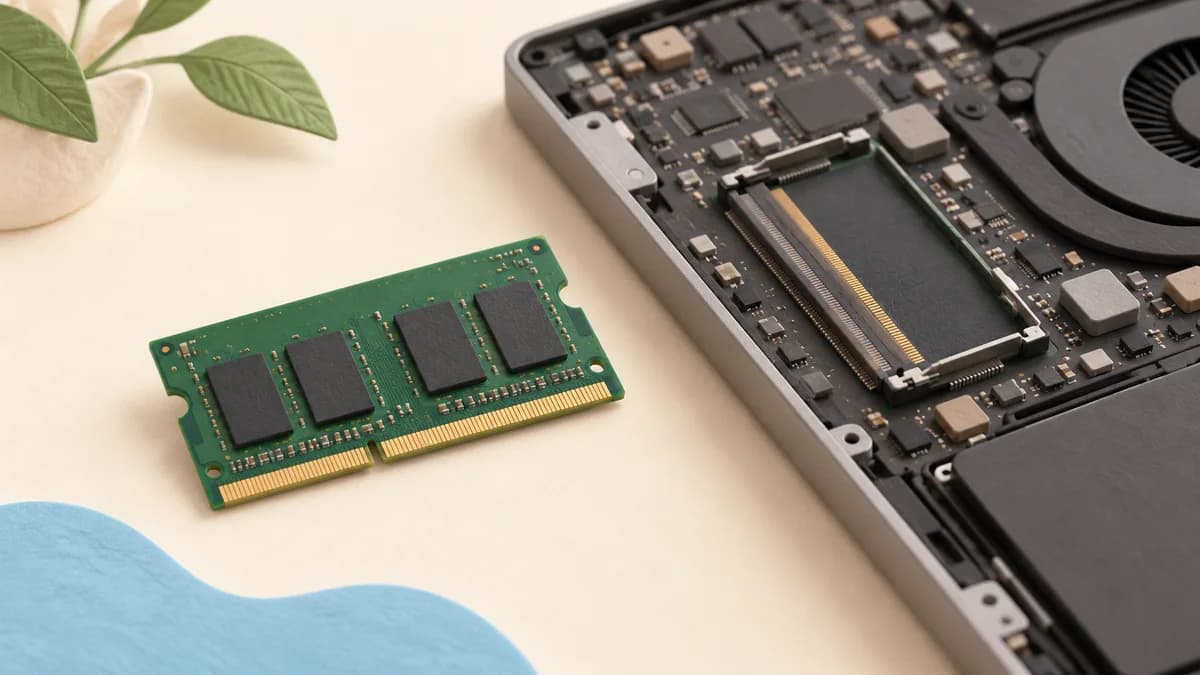
Apple states that memory in 24-inch iMac models introduced in 2021 or later is integrated into the M-series package and cannot be upgraded. Older iMac generations have different rules. The same brand name therefore does not tell you whether a later upgrade is possible.
For any other all-in-one, inspect the exact service manual and configuration. Check supported memory type, slots, maximum capacity and service access rather than assuming a desktop-shaped computer accepts ordinary replacement modules.
Balance memory with the rest of the system
Adobe also specifies graphics, operating-system and storage requirements. A high RAM number does not compensate for an incompatible platform, unsuitable display or insufficient working storage. Compare the whole configuration against your applications.
In our all-in-one guide, check the selected configuration rather than relying on the family name. Record memory, upgradeability, display and storage together before ordering. That makes two similarly named computers much easier to compare.
Sources: Adobe Photoshop current desktop requirements; Apple: iMac memory and upgrade limits
Common questions
Is 8 GB enough for graphic design?
It meets Adobe's current Photoshop minimum, but the recommended specification is 16 GB or more. Your workload may need additional room.
Will more RAM make every task faster?
No. It helps when memory is a constraint. Processor, graphics, storage and application issues can limit other tasks.
Can I add RAM to a recent 24-inch iMac?
Apple says memory in M-series 24-inch iMac models from 2021 onward cannot be upgraded. Choose the configuration before purchase.
PUT IT INTO PRACTICE
Compare your options
Compare exact configurations, displays and upgrade limitations rather than a model name alone.
Compare all-in-one computers for graphic designSources and editorial approach
ChooseRight researched the sources below to explain the topic and its practical trade-offs. Examples are illustrations, not results from our own product testing. Sources checked October 28, 2026. Artwork is AI-generated for explanation and does not document hands-on testing.