
START HERE
The short answer
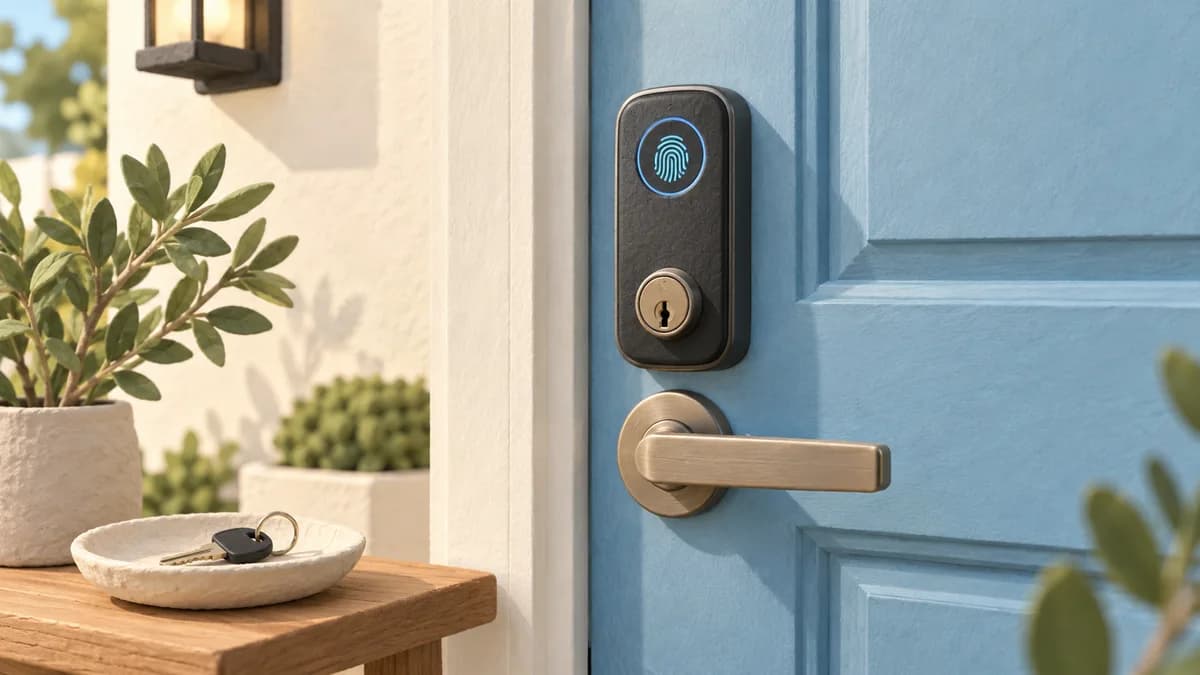
A fingerprint door lock can be a practical access option, but safety depends on the exact hardware, installation, software support and backup arrangements. A fingerprint reader alone is neither a security certification nor a guarantee that only the right person will be admitted.
- Evaluate the door and deadbolt as well as the fingerprint reader.
- Protect the app account and keep supported software updated.
- Give every household member a dependable alternative entry method.
Decide what problem you want the lock to solve
For one household, the main goal is avoiding misplaced keys. For another, it is issuing temporary access to a cleaner or checking a door remotely. Write down the needed functions before comparing products. Adding a remote-control feature also creates an account and connectivity arrangement that needs managing.
Separate convenience evidence from security evidence. A reviewer saying the reader is fast does not show resistance to forced entry. A manufacturer recognition-rate claim does not describe every possible attack. Ask what any certification covers, which exact model it applies to and whether the seller provides a verifiable reference.
| Question | Evidence to seek |
|---|---|
| Will it fit and operate correctly? | Exact installation template and a free-moving bolt |
| What does a security claim cover? | Model-specific documentation, not an adjective |
| How is remote access protected? | Account controls and software-support information |
| What if normal entry fails? | Documented fallback available outside the home |
Sources: NIST digital identity guidance on biometric limitations; FTC securing internet-connected devices at home
Start with the door, frame and alignment
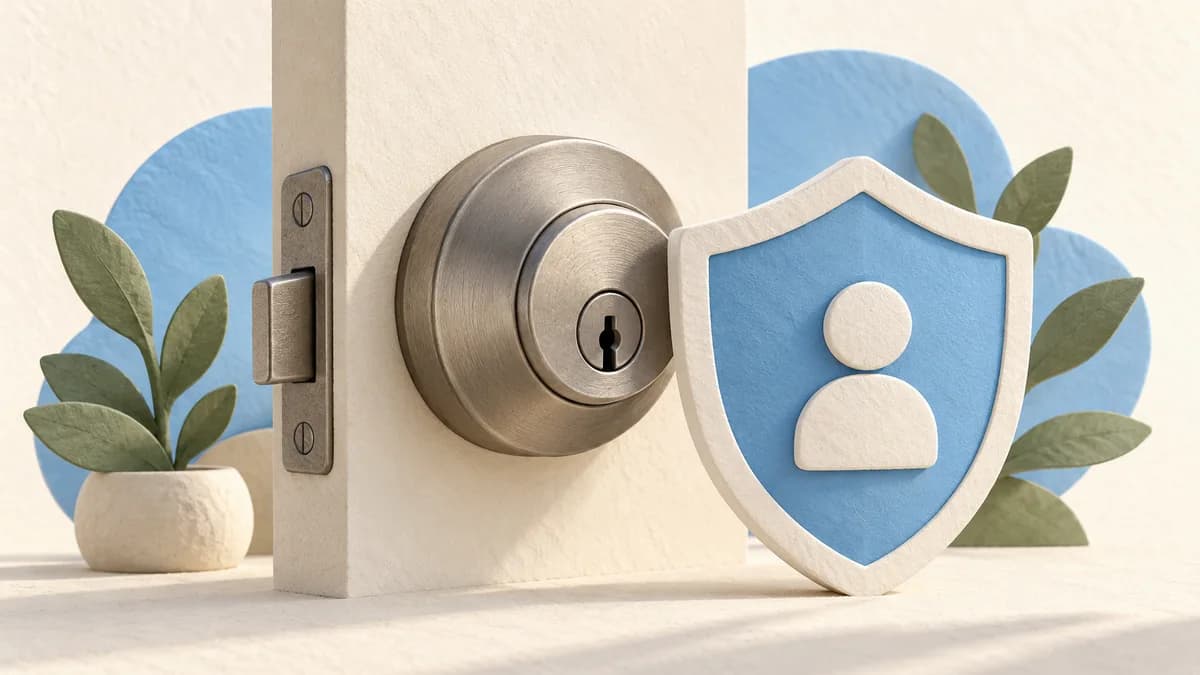
A smart deadbolt still needs suitable physical installation. A damaged frame, incompatible bore or binding bolt should be addressed before relying on a motorized lock. Kwikset troubleshooting guidance, for example, distinguishes a bolt that moves freely with the door open from one that binds when the door closes.
Use the exact lock instructions rather than a general modification recipe. Ask a qualified installer about uncertain fit or damaged hardware. For rentals, shared buildings and doors with special fire or exit requirements, confirm permission and suitability before replacing anything. A smart feature does not override those requirements.
Expect a recognition system, not perfect certainty
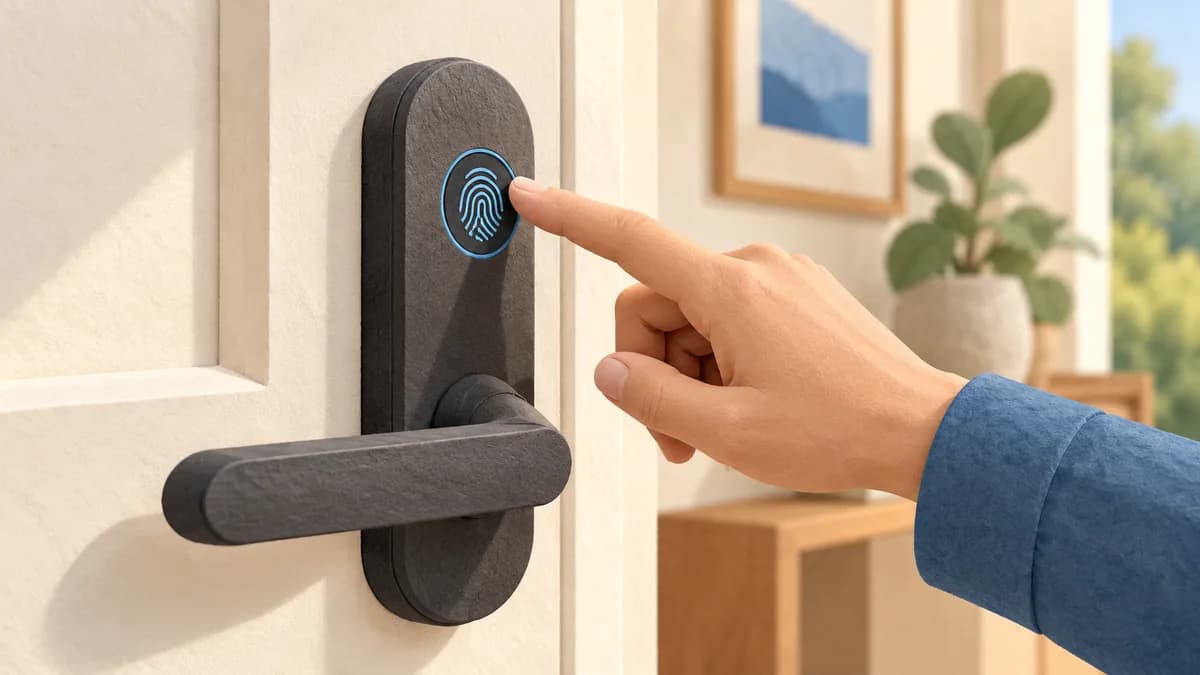
Biometric systems compare a new reading with enrolled information. They can reject an authorized person or accept a wrong match. NCSC explains these as different error types. Performance also depends on the sensor, enrollment and the conditions of the reading.
Enroll users according to the manual and verify that each person can enter reliably. If recognition is inconsistent, provide another supported method instead of repeatedly assuming it will improve. NIST notes that fingerprints are not secrets; its digital-identity guidance explains general biometric limitations, not a certification program for the residential locks in our guide.
Sources: UK NCSC biometric recognition and error types; NIST digital identity guidance on biometric limitations
Protect the connected parts of the system
Use a unique password for the lock account and enable multifactor authentication when offered. Keep the app, lock firmware and router software supported and updated. The FTC recommends these precautions for connected home devices and advises disabling remote features that are not needed.
Use individual guest access where the product supports it instead of sharing the household administrator login. Review who still has permission after a tenancy, cleaner arrangement or family change. Before selling or disposing of the device, follow its removal and reset instructions so that account links and stored access records are handled correctly.
Plan for a flat battery and a failed phone
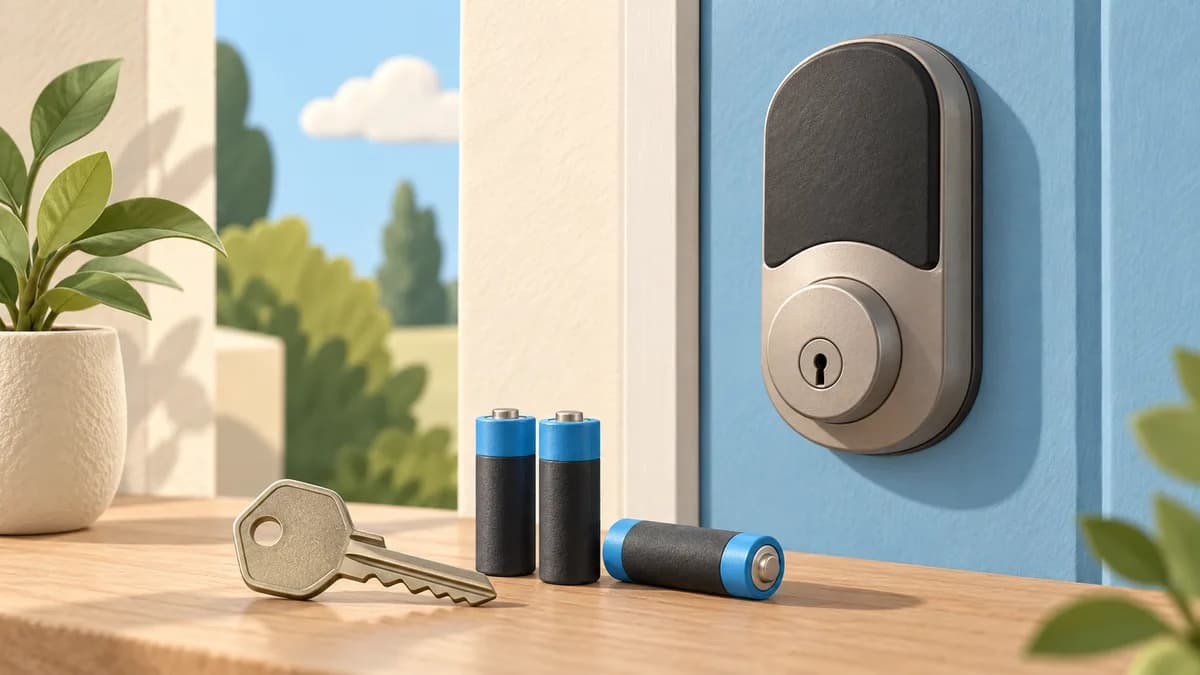
Check which fallback the exact model provides: a physical key, external emergency-power connection, keypad or another approved route. These are not interchangeable: a keypad still requires lock power, so it is a fallback for a reader or phone problem, not a flat lock battery. Aqara U100, for example, documents keys and USB-C emergency power; that does not mean another lock has the same connector or charges its batteries through it.
Keep the necessary fallback usable without entering the locked home first. Test normal operation while another way in remains available, and respond to low-battery warnings. A household member who cannot comfortably use the reader or app should have a dependable supported alternative from the beginning.
- Confirm each user can operate an entry method.
- Keep a documented fallback accessible outside.
- Check battery warnings and replacement instructions.
- Remove access when it is no longer needed.
- Review software support before the product becomes obsolete.
Common questions
Can a fingerprint lock be hacked?
No connected or biometric product should be assumed immune to attack. Assess model-specific evidence and account protection; we have not performed attack testing on the locks in our guide.
Will it still work if Wi-Fi goes down?
Local fingerprint or PIN access may work independently, while remote functions may stop. Check the exact model and test the intended offline routine safely.
Is a fingerprint safer than a PIN?
Neither is a universal winner. A fingerprint has biometric limitations; a PIN can be shared or observed. The complete implementation and your access-management habits matter.
PUT IT INTO PRACTICE
Compare your options
Compare exact entry methods, connectivity requirements and backup options.
Compare fingerprint door locksSources and editorial approach
ChooseRight researched the sources below to explain the topic and its practical trade-offs. Examples are illustrations, not results from our own product testing. Sources checked October 28, 2026. Artwork is AI-generated for explanation and does not document hands-on testing.