
START HERE
The short answer
Check the model's documented backup method. Schlage Encode uses a mechanical key when batteries die; selected key-free Yale models accept temporary 9V power and still require a valid credential. Once inside, replace the internal batteries as directed and test operation with the door open.
- A backup-power port is model-specific, not universal.
- Temporary emergency power does not bypass the access code.
- Keep the mechanical backup key accessible outside the locked home.
Identify the model before acting
Use your installation records, purchase information or manufacturer app to confirm the model. Similar-looking locks within one brand can use different backup methods. For example, Schlage explicitly says Encode lacks the 9V jumpstart feature offered on its Touch series.
Do not assume a visible opening is a power port or use an arbitrary charger. If the model cannot be confirmed, ask support for the correct manual. A few minutes spent identifying the product can avoid damage from an incompatible approach.
Distinguish a flat battery from an offline app
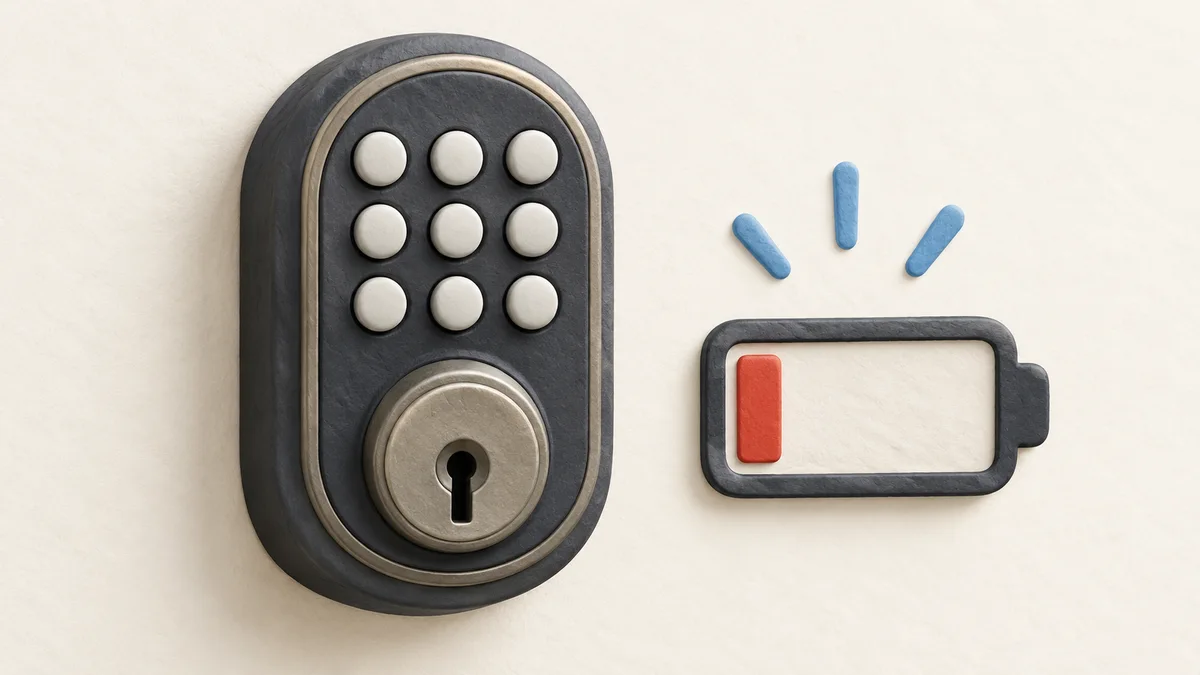
An app connection failure does not necessarily mean the lock has no power. Google's Nest x Yale guidance says that if the keypad lights up, another issue such as being offline may be involved. Test the normal authorized keypad method before concluding the batteries are dead.
Pay attention to the model's low-battery warnings. These may appear on the lock, in an app or both. Warning behavior and remaining time vary, so do not treat a previous long warning period as permission to delay replacement again.
Sources: Google: Nest x Yale lock with drained batteries; Schlage: Encode emergency battery and key backup
Use the documented backup-entry method
For Schlage Encode, the manufacturer directs owners to the mechanical backup key. On supported key-free Yale locks, a standard 9V battery can temporarily power the external contacts while you use a valid code or other supported credential. Yale says keyed models should use their key instead.
External power supplies operating energy; it does not unlock the door by itself or recharge the internal batteries. If the documented method fails, or you lack the required key or credential, contact authorized support or a locksmith. Avoid forcing the mechanism.
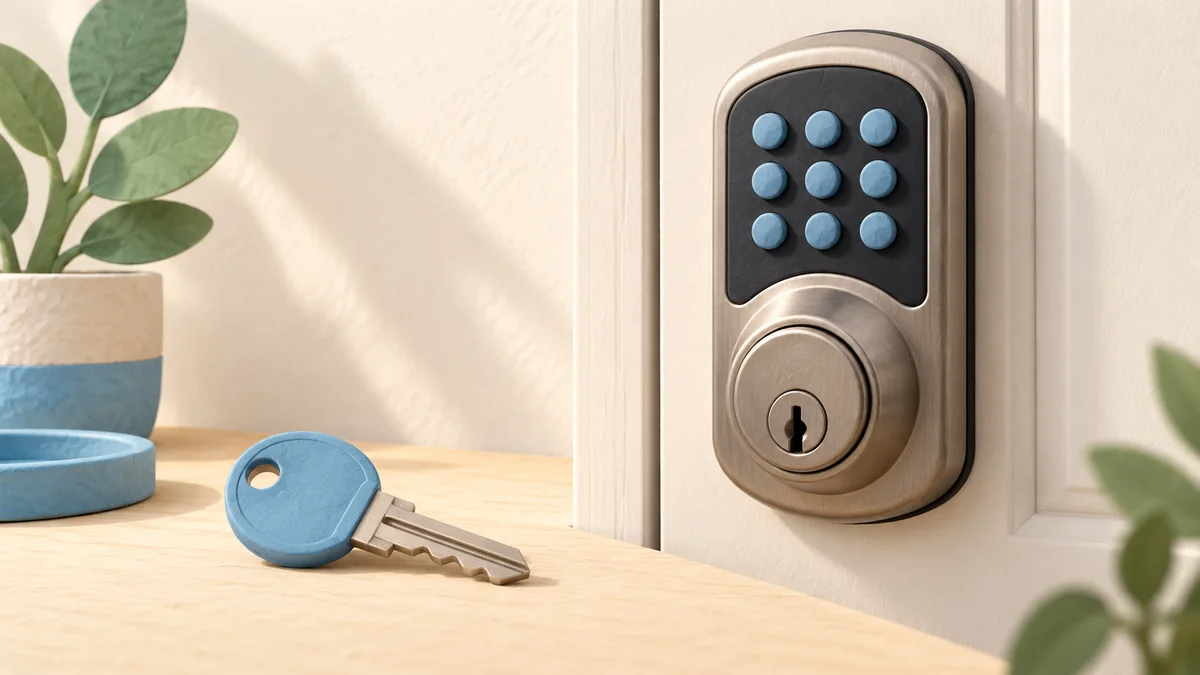
| Example | Documented approach |
|---|---|
| Schlage Encode | Mechanical key backup |
| Supported key-free Yale model | Temporary 9V power plus valid credential |
| Different or unknown model | Read the exact manual or contact support |
Sources: Schlage: Encode emergency battery and key backup; Yale: Battery insights and supported emergency power
Replace the internal batteries using the manual
Once you have access, use the specified battery type and orientation. The cited Schlage Encode instructions require four new AA alkaline batteries. That is an example for that model, not permission to install the same batteries in every smart lock.
Test normal locking and unlocking with the door open before relying on the door again, and keep the backup method available. Follow any manufacturer instructions for battery-status updates; a display or app reading may not refresh immediately on every system.
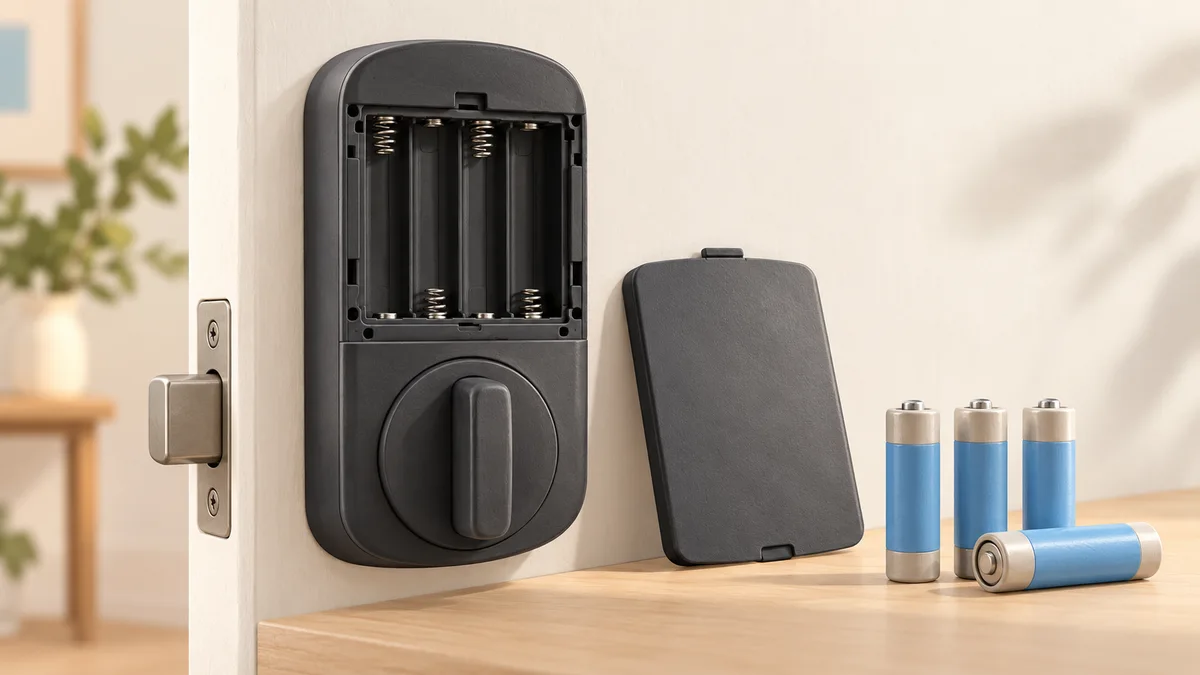
Sources: Schlage Encode battery replacement instructions; Yale: Battery insights and supported emergency power
Make the backup practical before you need it
Keep the backup key somewhere accessible and secure rather than only inside the locked property. If your exact model supports external emergency power, learn its location and specified source in advance. Record the model and support details with your household maintenance information.
If batteries drain unexpectedly quickly, investigate rather than repeatedly replacing them without checking the cause. Yale notes that door misalignment and a binding deadbolt can contribute to battery drain on its Assure models. Our fingerprint-lock guide compares backup methods alongside the convenient entry features.
- Save the exact model and manual.
- Respond promptly to low-battery warnings.
- Keep the documented backup accessible.
- Check smooth door and bolt movement.
Common questions
Can a 9V battery open any smart lock?
No. Only use it where the manufacturer documents compatible emergency contacts. A valid credential is still required.
Does emergency power recharge the internal batteries?
Yale describes its 9V method as temporary power, not charging. Replace the internal batteries after gaining access.
Should I reset the lock if the battery dies?
Do not assume a factory reset is necessary. Follow the model's battery instructions; a reset may erase settings and create extra setup work.
PUT IT INTO PRACTICE
Compare your options
Compare backup-entry methods, power requirements and door compatibility alongside fingerprint access.
Compare fingerprint door locksSources and editorial approach
ChooseRight researched the sources below to explain the topic and its practical trade-offs. Examples are illustrations, not results from our own product testing. Sources checked October 28, 2026. Artwork is AI-generated for explanation and does not document hands-on testing.