
START HERE
The short answer
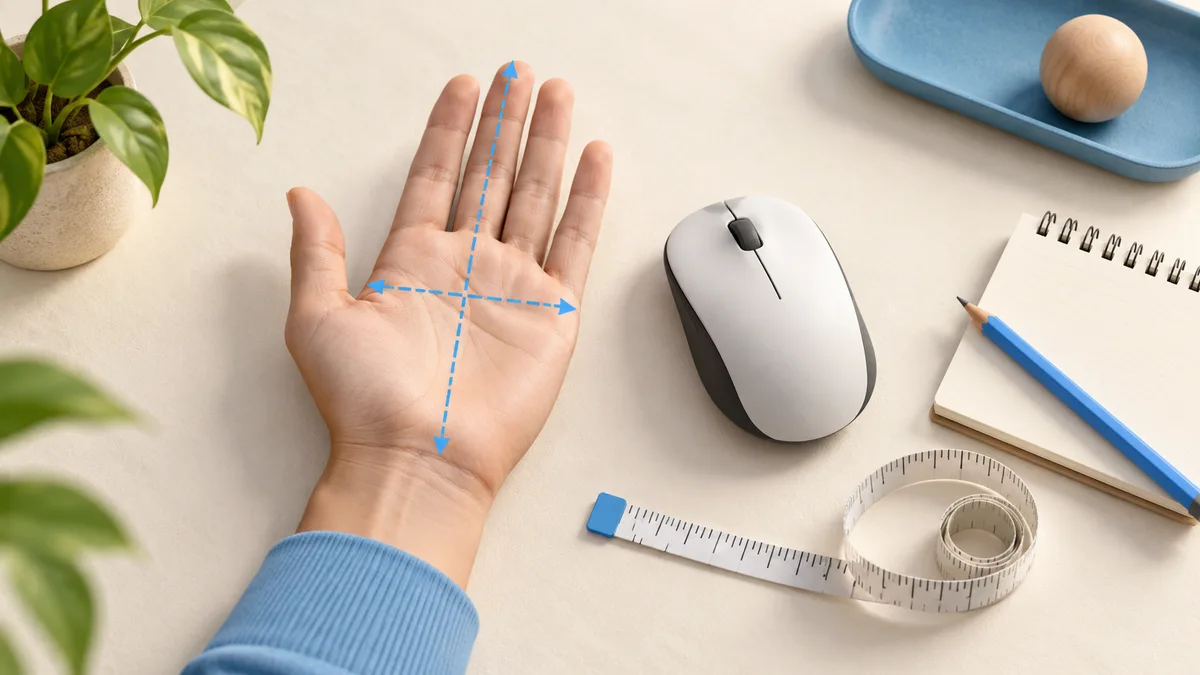
Measure from the crease at the base of your palm to the tip of your middle finger for hand length. Also record palm width across the knuckles, excluding the thumb, and label that method. Compare those measurements with mouse dimensions and your grip style; there is no universal hand-to-mouse size formula.
- Use the same measurement method when comparing your result with a sizing chart.
- Keep millimeters or centimeters consistent; 18 cm is 180 mm.
- Test reach and contact points rather than choosing solely by a small, medium or large label.
Prepare a simple measurement record
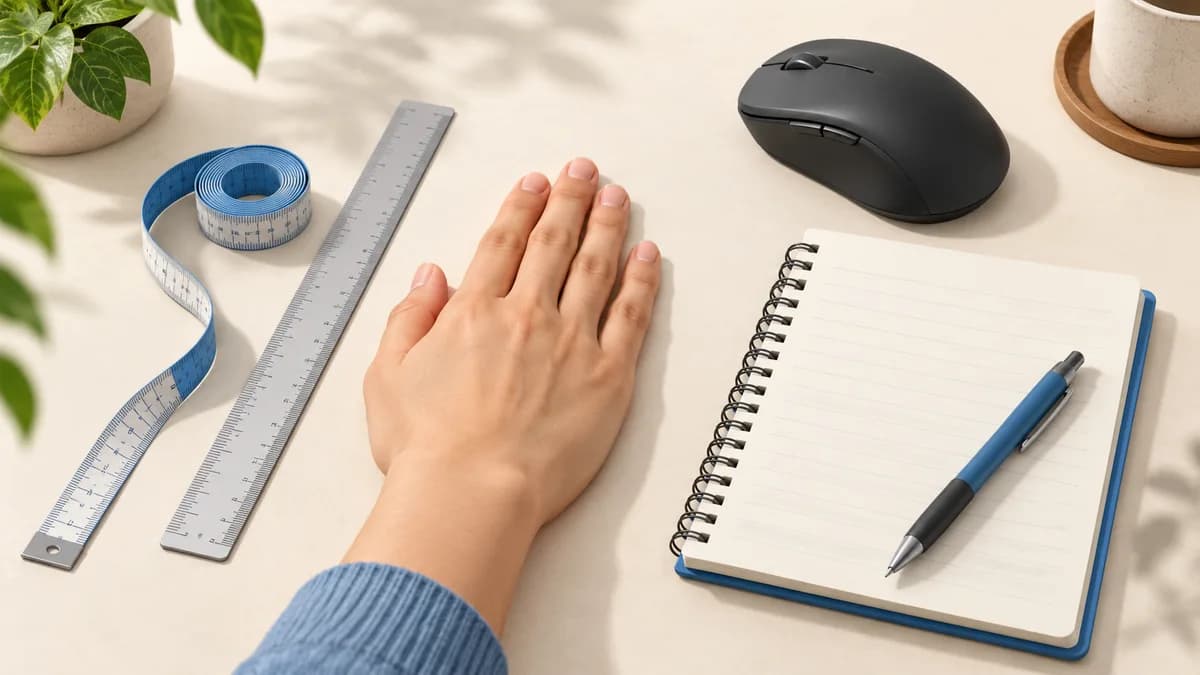
You need a ruler, a flat surface and somewhere to write the result. Measure the hand you use for the mouse. Rest it flat with fingers comfortably extended and together rather than deliberately stretching them apart. If a flexible tape is easier, keep it straight instead of following the curve of the hand.
Write down the unit before you start. Mouse specifications commonly use millimeters, while a hand-sizing guide may use centimeters or inches. Keeping both your hand and mouse notes in millimeters avoids a needless conversion later. Do not round a measurement into a size label until you have checked how the manufacturer defines its chart.
Measure length, then record palm width
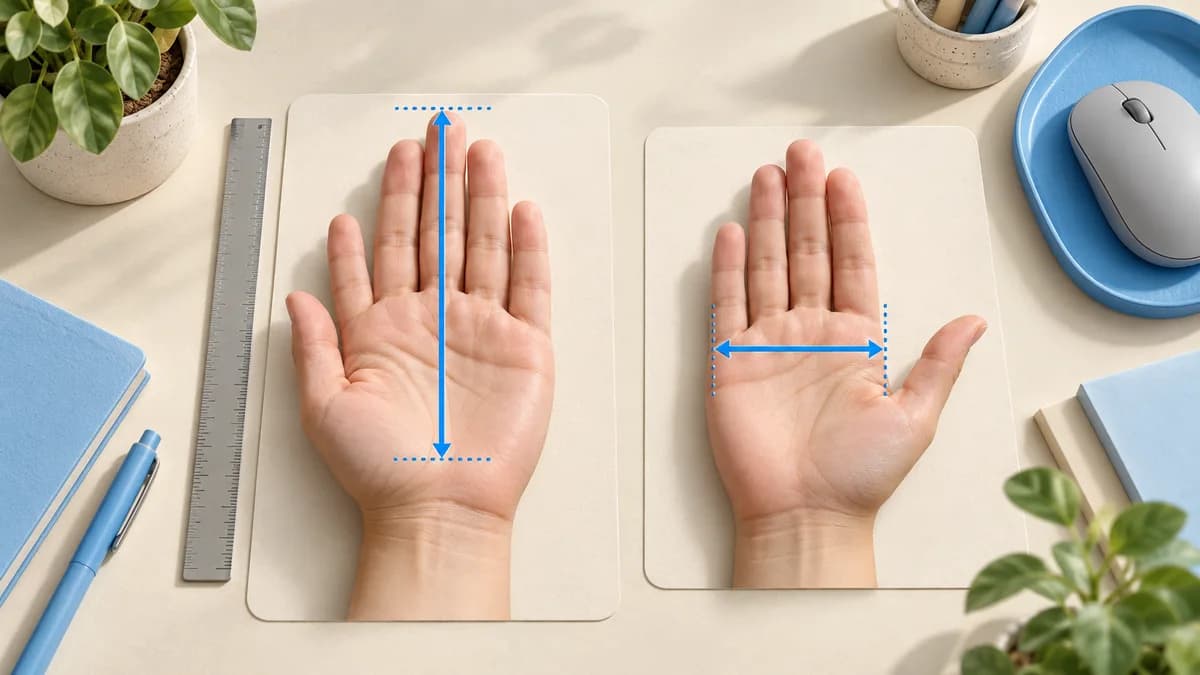
For length, align the ruler with the crease just below the palm and measure to the tip of the middle finger. This follows Logitech's published hand-length method. Repeat the measurement once to catch a slipped ruler. A small difference between attempts is a reason to check your alignment, not to assume a different mouse category.
For a supplementary width note, measure straight across the palm at the knuckles without including the thumb. Label the result "palm width, thumb excluded." This is our consistent recording method, not a universal industry standard: some advice uses a width including the thumb. Never compare the two as if they were the same measurement.
| Record | Illustrative entry | What it means |
|---|---|---|
| Hand used | Right | Measure the hand that operates the mouse |
| Length | 185 mm | Base-of-palm crease to middle fingertip |
| Palm width | 90 mm, thumb excluded | Keep the method attached to the number |
| Usual contact | Rear palm and bent fingers | A shape clue alongside the measurements |
Use size charts as a filter
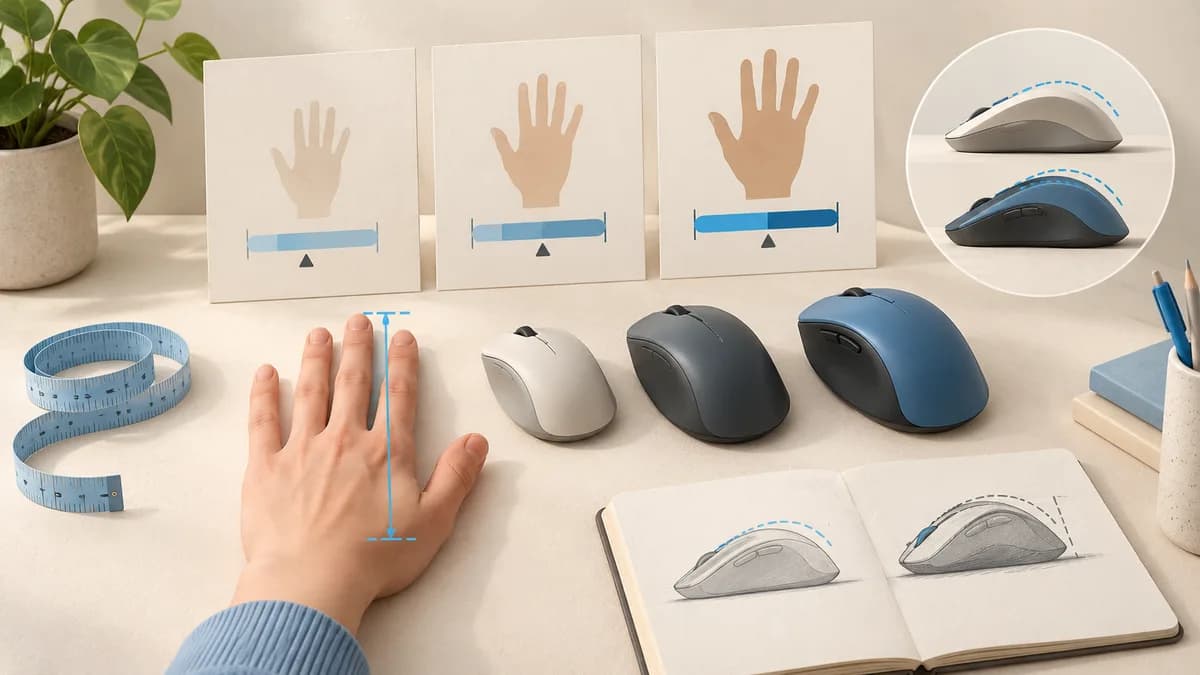
Manufacturers may group hands as small, medium or large, but those labels are not interchangeable across every brand. Check the measurement method and the boundaries in the chart you are using. A hand near a boundary does not suddenly require a radically different mouse when the ruler moves by a millimeter.
Avoid choosing a mouse by a fixed percentage of your hand length. A formula cannot describe the shape of the sides or the place where your fingers meet the buttons. Start with the maker's guidance for the exact model, then inspect the details. A taller rear hump may change the fit even when two mice have nearly identical lengths.
Sources: Logitech: hand measurement and mouse fit; ZOWIE: hand dimensions and contact points in mouse design
Compare with a mouse you already know
Your current mouse provides a useful reference because you can describe where it succeeds or fails. Find its published length, width and height, then put those beside a candidate's dimensions. Check whether width refers to the widest point or a grip area; manufacturers do not always present identical measurements.
Add a plain-language note: "I can reach the wheel, but the forward side button is a stretch." That note helps identify what to inspect on a replacement. A shorter overall body will not necessarily move that button closer. Look at product photographs from more than one angle and check the location of the features you actually use.
An outline drawn on paper can illustrate overall footprint if the listed dimensions are reliable. It cannot reproduce shell height, side curvature or how the buttons feel, so use it only to reject obviously unsuitable proportions. Keep the possibility of a hands-on trial or return in your decision.
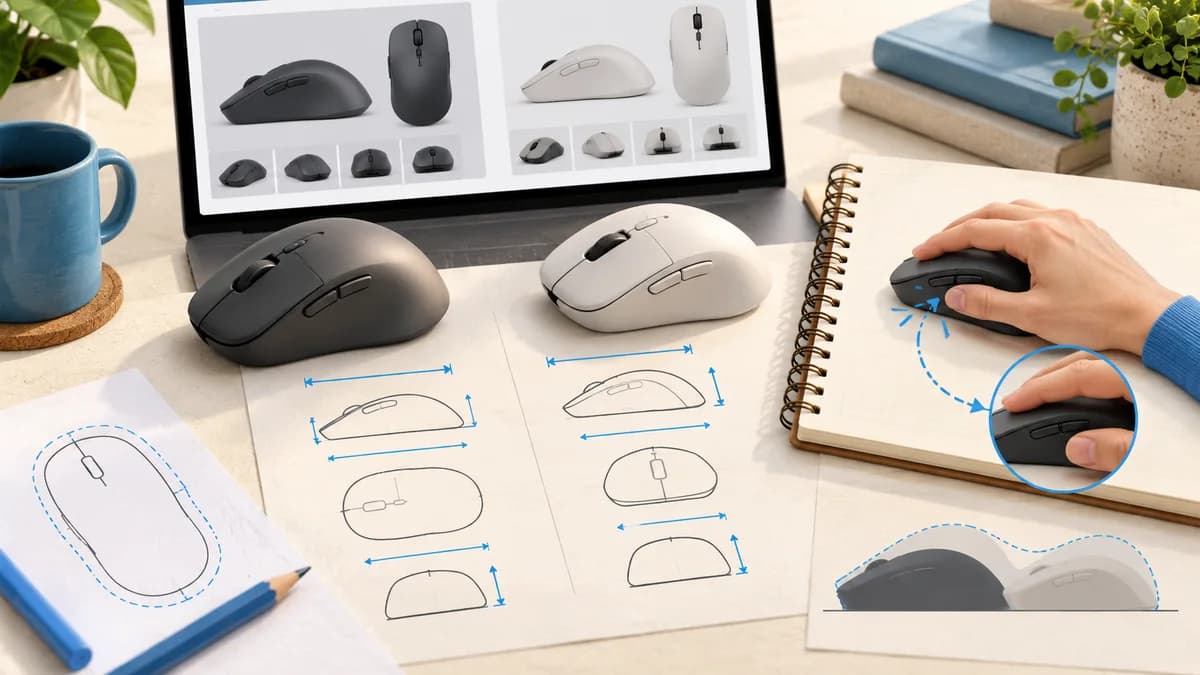
Sources: ZOWIE: hand dimensions and contact points in mouse design
Finish with a practical fit check
Hold the candidate in your normal position. Check whether you can click, scroll and reach the controls without repeatedly moving your whole hand. Then move it as you would during a normal session. A mouse that accommodates your preferred palm contact should also leave the clearance you need for your usual movements.
Keep a short comparison note rather than relying on a first impression. Record one thing better, one thing worse and anything still uncertain. If all you have is an online listing, leave those questions open instead of treating the measurement match as proof. Our gaming mouse guide can help compare features once you have narrowed the physical requirements.
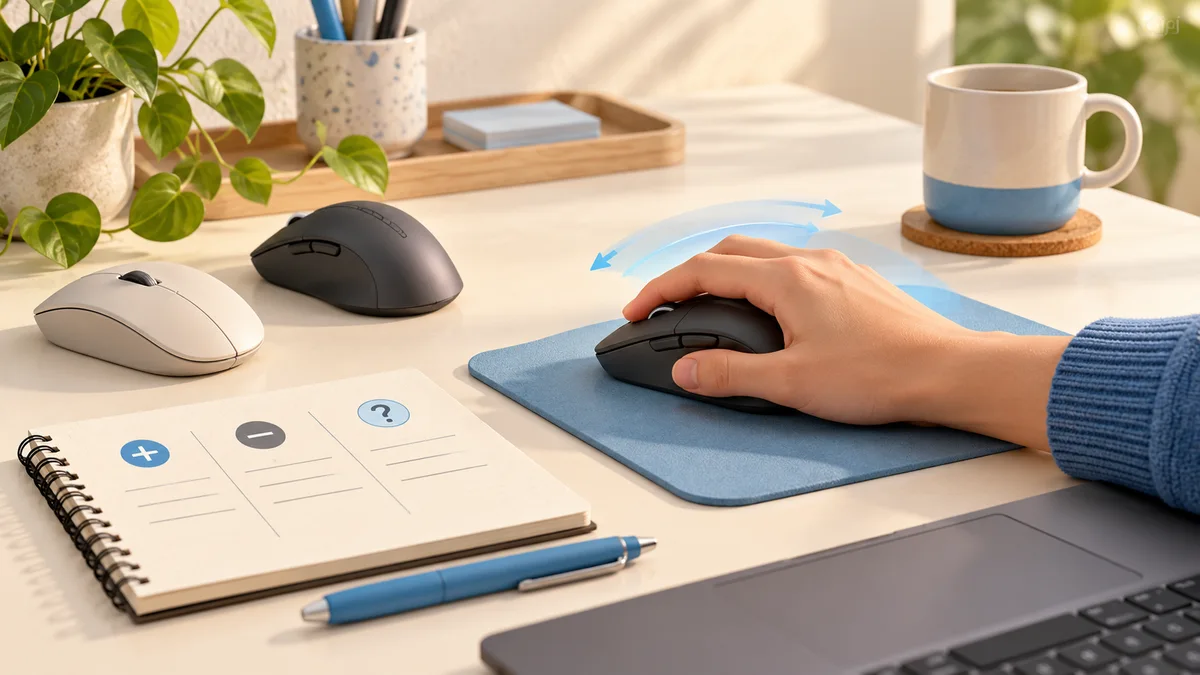
- Check the exact model size; mini and full-size versions can differ.
- Confirm whether a right-handed shell or left-side buttons suit your mouse hand.
- Try the wheel and side buttons, not just the main clicks.
- Keep your hand measurements and current mouse dimensions in the same unit.
Common questions
Should I include my thumb when measuring hand width?
For the record in this guide, exclude it and label the result. If a manufacturer asks for width including the thumb, follow that chart instead. The important point is to compare measurements made the same way.
Can hand length tell me the best mouse size?
It can narrow the search, but it cannot account for your grip, finger reach or shell shape. Treat it as one piece of evidence and check the exact model's dimensions and controls.
Do I need a different measurement for fingertip grip?
Use the same hand measurement. Record the grip separately because a fingertip hold usually leaves the palm clear, changing which parts of the shell must fit beneath your hand.
PUT IT INTO PRACTICE
Compare your options
Compare our five gaming mice after recording your hand size, grip and button-reach requirements.
Best gaming mouse: compare our five picksSources and editorial approach
ChooseRight researched the sources below to explain the topic and its practical trade-offs. Examples are illustrations, not results from our own product testing. Sources checked October 21, 2026. Artwork is AI-generated for explanation and does not document hands-on testing.