
START HERE
The short answer
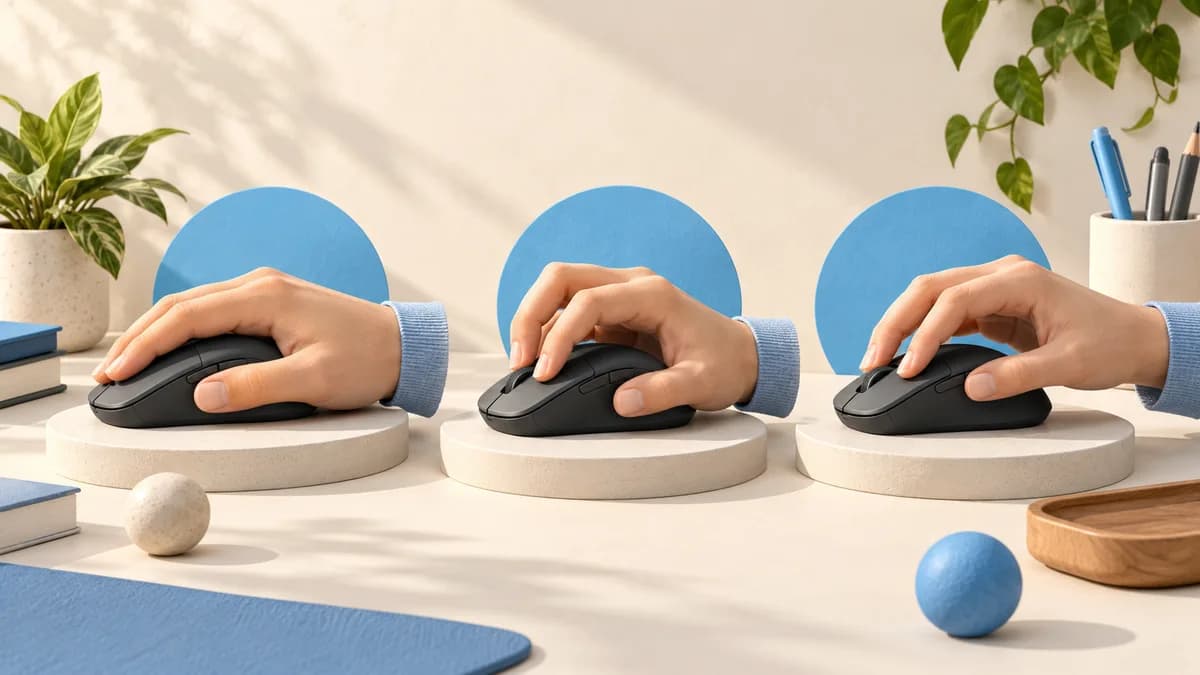
Palm grip rests much of the palm and fingers on the mouse. Claw grip keeps rear palm contact while the fingers arch toward the buttons. Fingertip grip uses the fingers with the palm clear of the shell. Many players use a relaxed or mixed version rather than a rigid category.
- Look at contact points during ordinary use, not a pose copied from a photograph.
- A grip label narrows your search but cannot guarantee that a particular mouse fits.
- Check button reach, palm clearance and control before changing your grip.
Find your grip without overthinking it
Use your current mouse normally for a moment, then pause without rearranging your hand. Look from the side. Is your palm resting on the shell, touching only near its base, or hovering clear? Next look at the fingers pressing the main buttons: are they fairly extended or noticeably arched?
Repeat that observation while browsing and while playing your usual game. You may shift your hand when reaching a side button or making a small adjustment. Record the position you return to most often. A useful description can be as ordinary as "rear palm contact with slightly bent fingers"; you do not need a precise label for every variation.
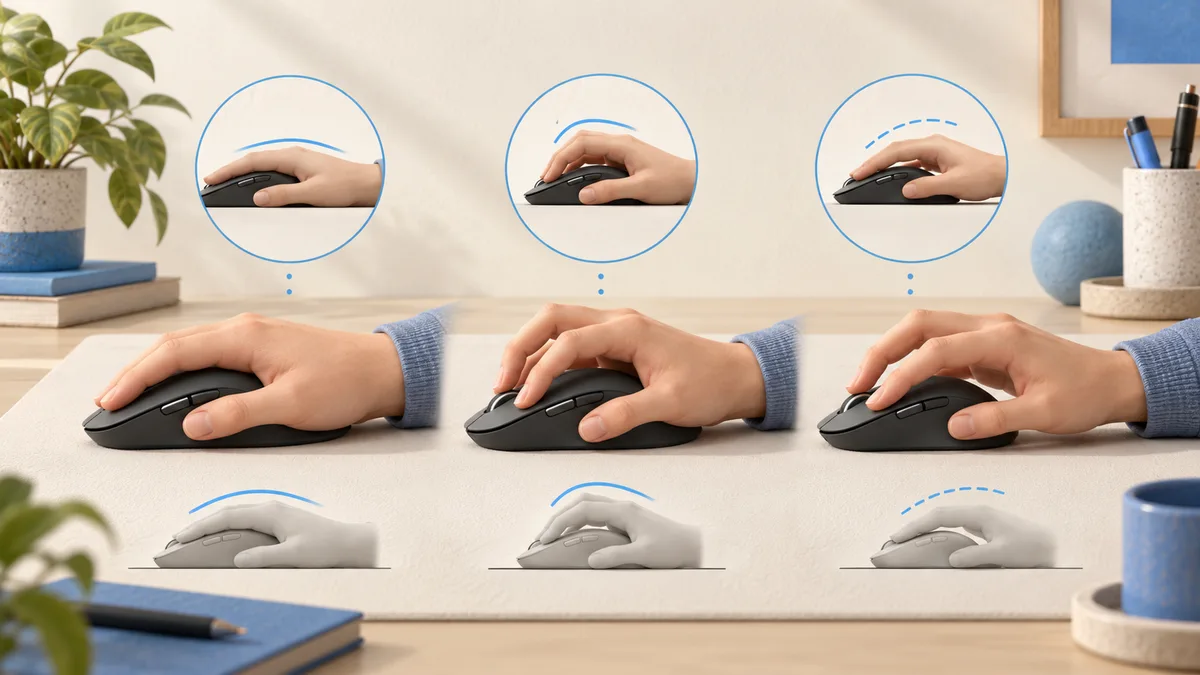
Palm vs claw vs fingertip at a glance
These categories describe contact, not a ranking. A taller shell may occupy space that a fingertip user wants to leave open, while another player may want that same shell to fill the palm. The right question is whether the shape lets you make your usual movements without repositioning your hand unnecessarily.
Use the table to decide what to inspect in a photograph or during a hands-on fitting. It is an observation checklist, not a claim that one grip produces faster reactions or greater accuracy.
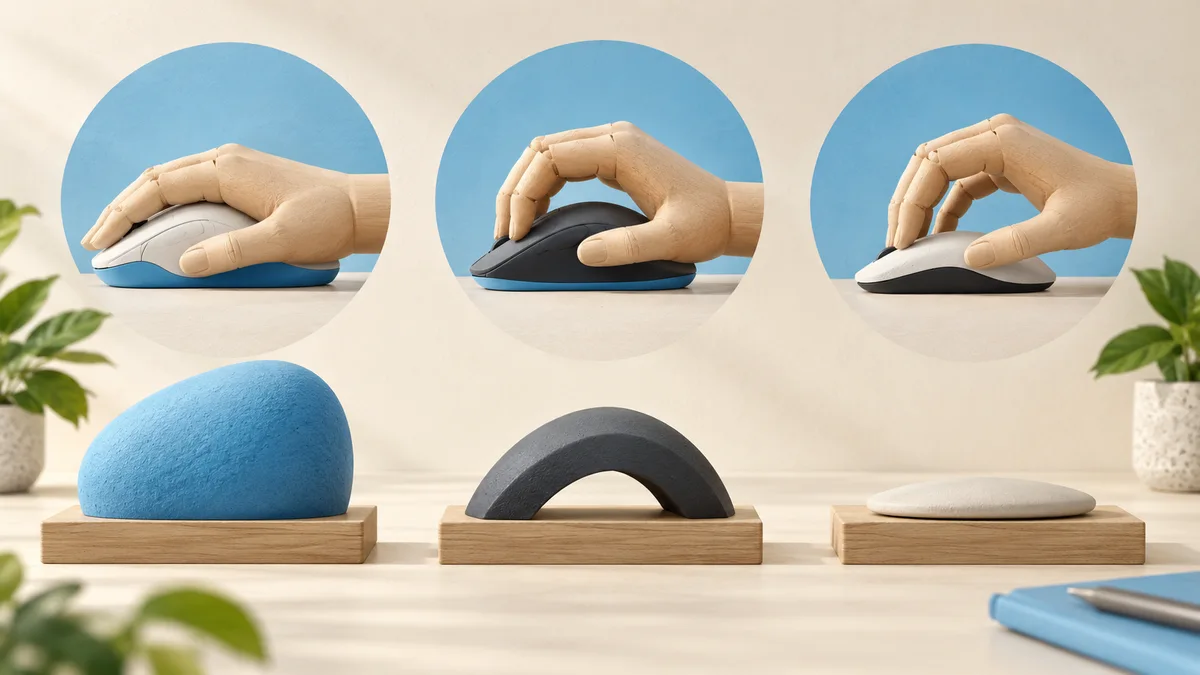
| Style | Typical contact | Check during a fitting |
|---|---|---|
| Palm | Palm and much of the fingers | Does the shell support your chosen resting position without making the buttons hard to reach? |
| Claw | Rear palm plus arched fingers | Does the rear shape meet your palm where you expect, with room for your fingers? |
| Fingertip | Fingers; palm stays clear | Can you pull the mouse back without the hump bumping your palm? |
Look beyond length and width
A mouse is a three-dimensional object. Two models with similar published dimensions may put their tallest point in different places. Side curves, button height and the shape of the rear can change where your hand lands. ZOWIE describes hand dimensions and contact areas as separate parts of its design research, which is a useful reason not to shop from length alone.
Compare side and overhead views with your current mouse. Mark the part you want to change: perhaps the rear feels too full, or the thumb buttons require shifting forward. This produces a more useful shortlist than simply asking for a "claw mouse." Your preferred grip and your hand dimensions still need to work with the particular shell.
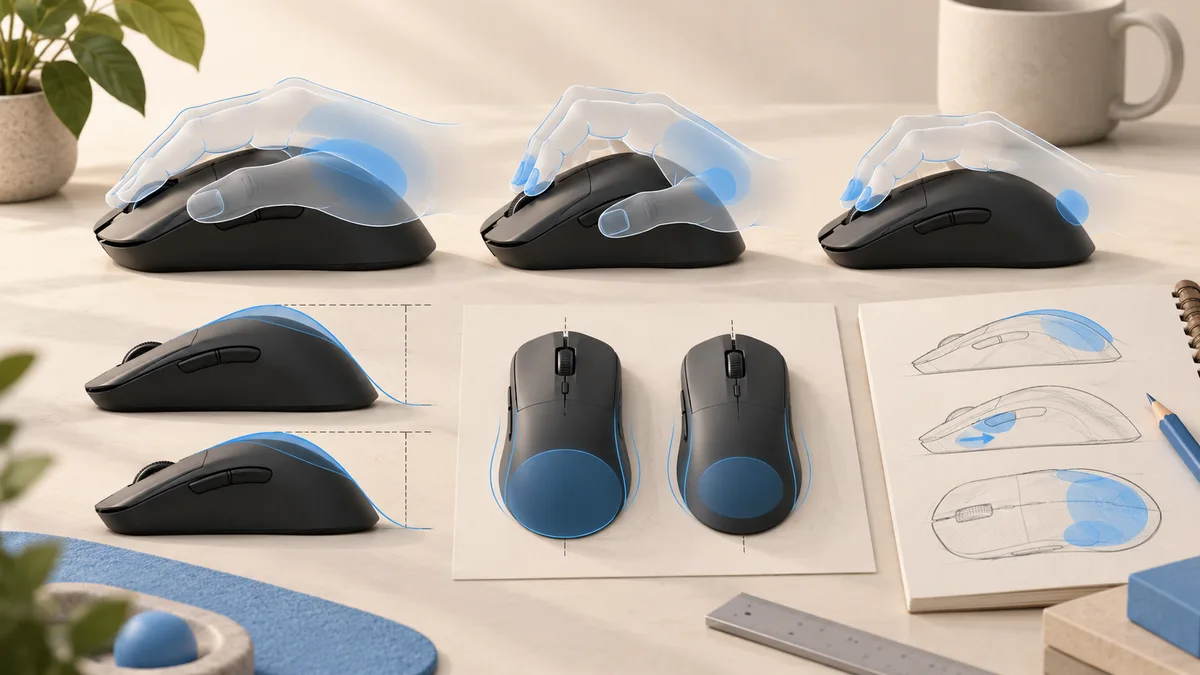
Sources: ZOWIE: hand dimensions and contact points in mouse design
Try this contact-point checklist
Keep the game and sensitivity settings unchanged when comparing shapes. Move slowly through tasks you actually perform rather than making a few dramatic swipes. If possible, use the mouse on a familiar surface and check the seller's return terms before committing to a model you cannot try.
For example, a player who uses two side buttons frequently should include both in the fitting. A shape that feels fine while pointing may require a different grip to reach the forward button. Note that change separately from the feel of the main clicks. These are personal observations, not a laboratory performance test.
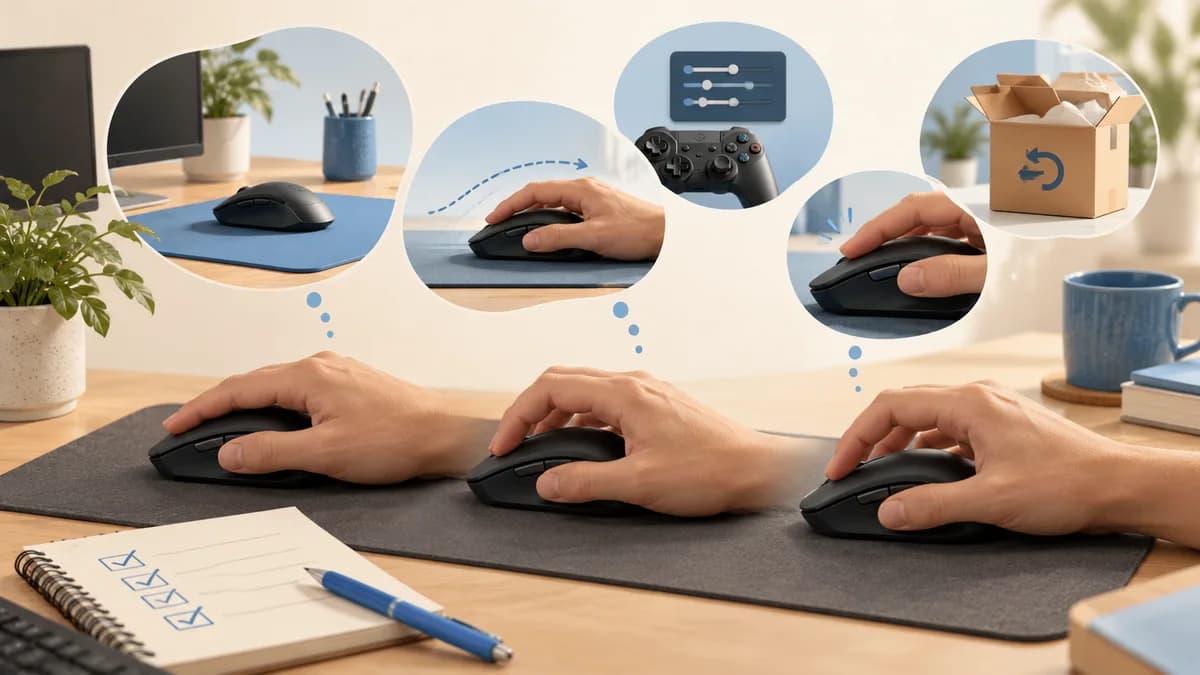
- Click both main buttons without sliding your whole hand forward.
- Scroll and press the wheel using your normal finger position.
- Reach each side button you intend to use, then return to your usual hold.
- Move and reposition the mouse; notice whether you squeeze it more than you intend.
- Check whether a wider or taller area interferes with the contact pattern you prefer.
Should you change your grip style?
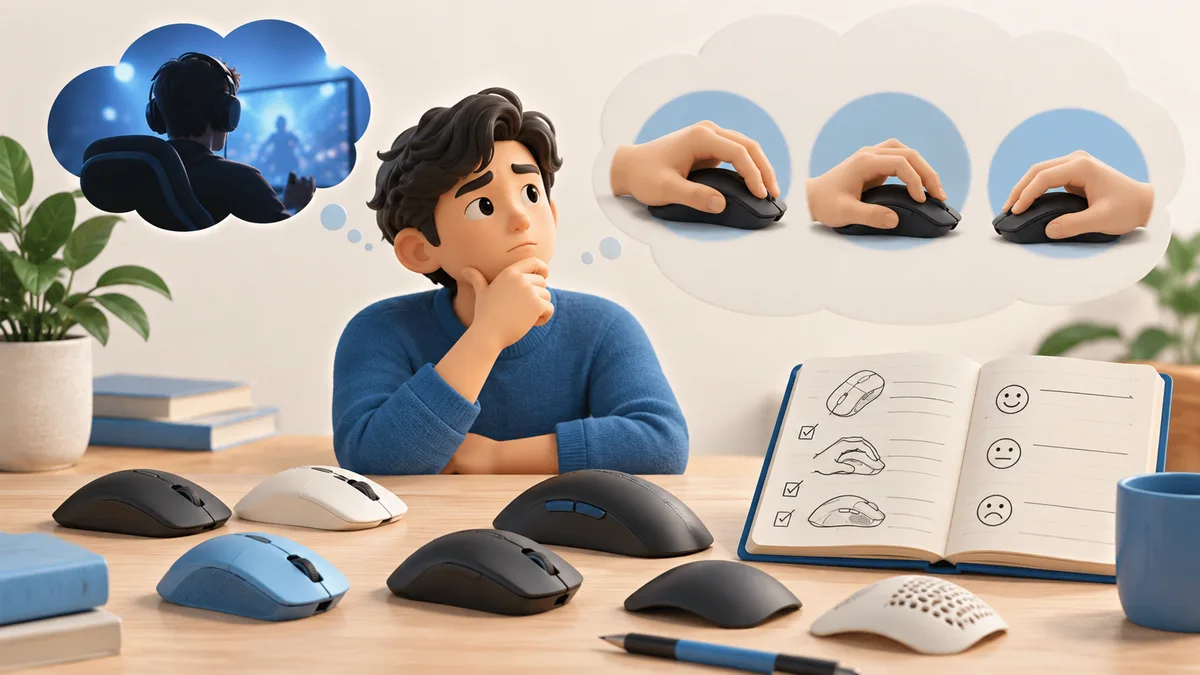
You do not need to adopt another grip merely because a favorite player uses it. First describe the problem you are trying to solve. Is a button difficult to reach? Does the shell block a movement? Is the mouse simply too large for the way you hold it? A shape change may be more relevant than deliberately curling or flattening your fingers.
If you choose to experiment, change one thing and keep a note of what becomes easier or harder. Avoid declaring a winner after a single good round. There is no fit formula that turns a grip label into a guaranteed result. When choosing among our gaming mouse picks, prioritize the description that matches your actual hand position and controls.
Sources: ZOWIE: hand dimensions and contact points in mouse design
Common questions
Is claw grip better than palm grip?
There is no universal winner. The difference is chiefly how the fingers and palm contact the mouse. Judge the hold by whether you can reach your controls and make your usual movements comfortably.
Can I use a small mouse with large hands?
Possibly, especially if you prefer to leave the palm clear. Hand length alone does not decide fit. Check width, hump clearance and button reach in your actual grip.
What if my grip changes while playing?
Describe the positions you use most often and check that the mouse accommodates both. Mixed grips are a useful description of behavior, not a reason to force your hand into one fixed pose.
PUT IT INTO PRACTICE
Compare your options
Use your contact-point checklist to compare the shapes and button layouts of our five picks.
Best gaming mouse: compare our five picksSources and editorial approach
ChooseRight researched the sources below to explain the topic and its practical trade-offs. Examples are illustrations, not results from our own product testing. Sources checked October 21, 2026. Artwork is AI-generated for explanation and does not document hands-on testing.