
START HERE
The short answer
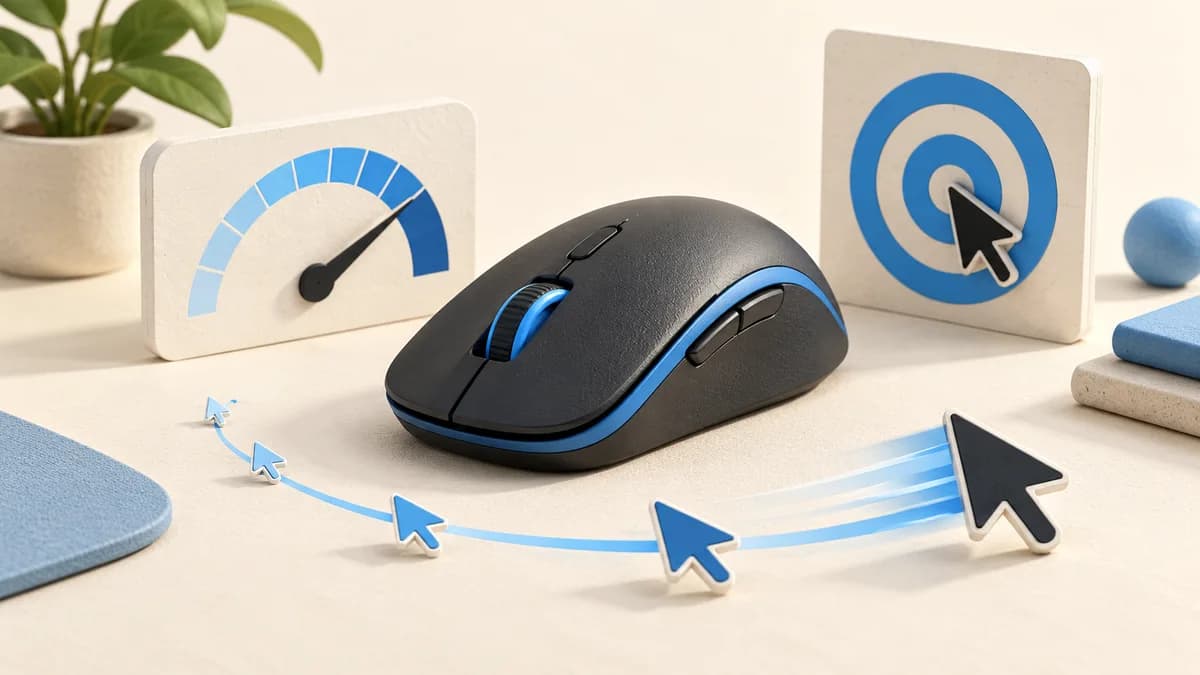
DPI means dots per inch. On a mouse it describes movement sensitivity: raising DPI sends more movement information for the same physical distance. Your operating system or game then translates that input into pointer movement or camera rotation. Higher DPI does not automatically mean better aim.
- Change one sensitivity setting at a time and keep a record of the original value.
- DPI affects movement scale; polling rate concerns how often the mouse reports to the computer.
- Compare settings within the same game before drawing conclusions from another player's numbers.
What DPI actually changes
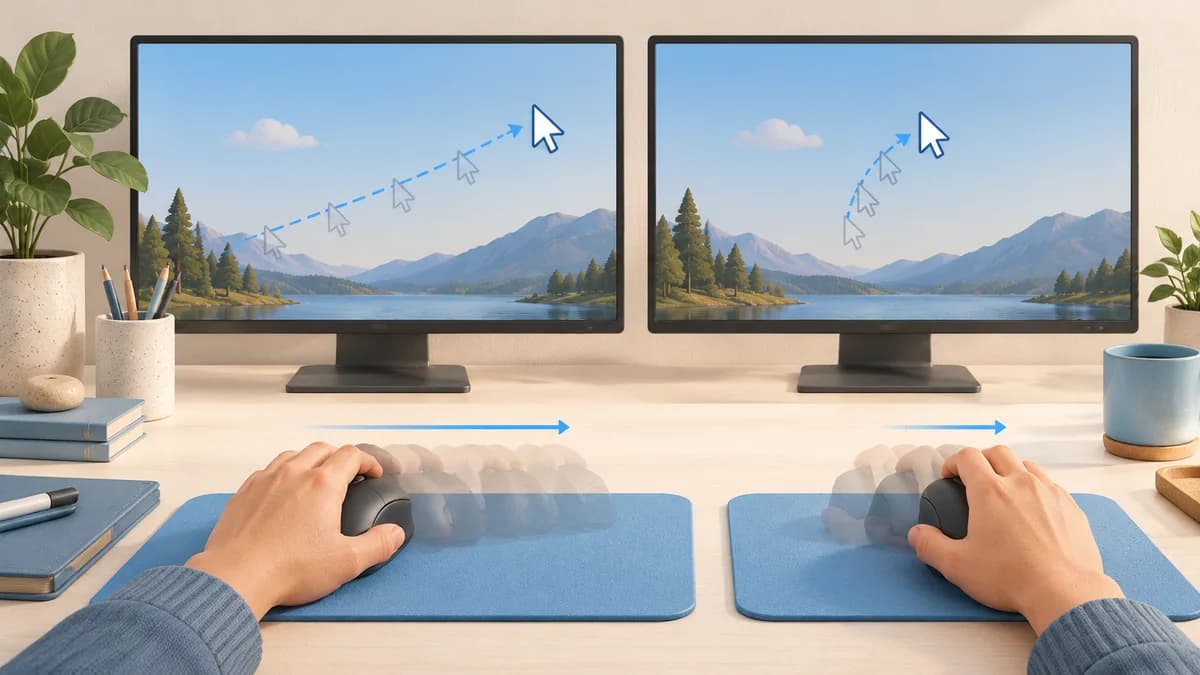
Mouse specifications use DPI as the familiar label for sensor sensitivity. Hold the other settings constant and increasing it makes a given hand movement produce more pointer movement. Lower it and you need a larger movement to cover the same distance. That is a preference to tune, not a quality score.
The word "dots" can be confusing because you are not printing an image. Think of DPI as an input scale rather than a promise that one inch on the desk will always equal a fixed number of screen pixels. Software can alter the result. The maximum on the box also tells you little about the shape, button placement or settings you will actually use.
DPI, game sensitivity and eDPI
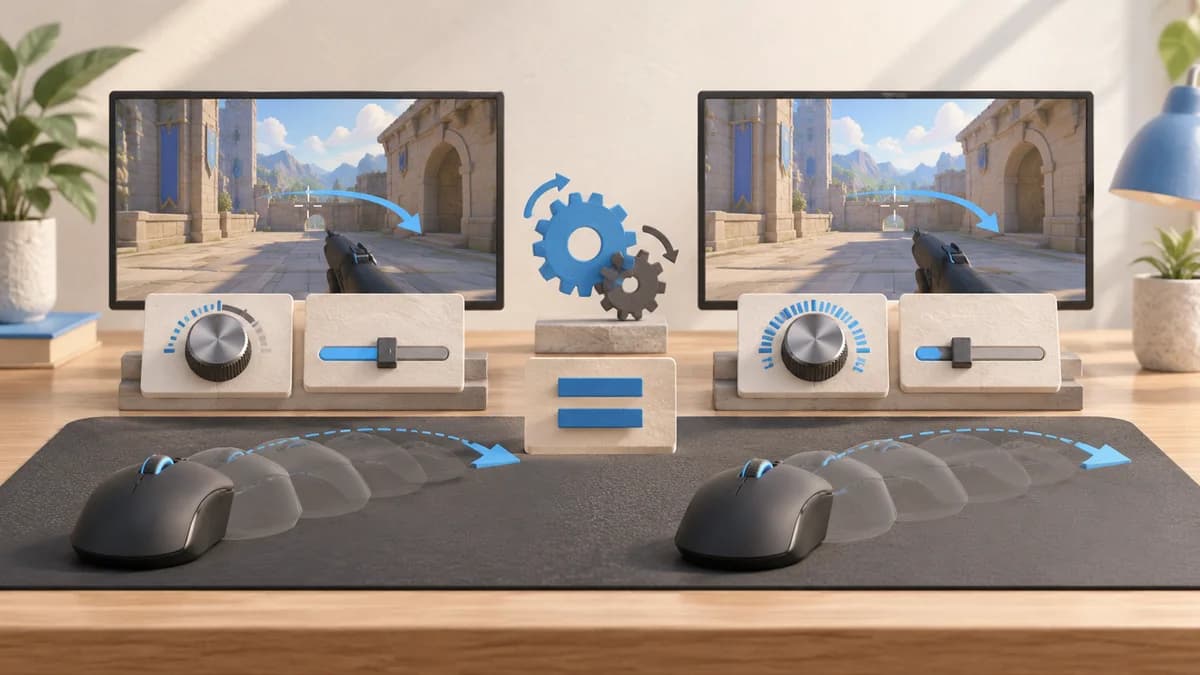
Game sensitivity applies another scale to mouse input. As a simplified example, doubling DPI while halving a game's linear sensitivity setting can preserve approximately the same turning distance. This assumes other relevant settings are unchanged; acceleration, separate aiming multipliers and game-specific processing can complicate the comparison.
Players sometimes multiply DPI by game sensitivity and call the result effective DPI, or eDPI. The arithmetic below is an illustration, not a recommended configuration. It is useful within the same game and comparable input settings. Different games assign different meanings to their sensitivity sliders, so matching eDPI across two games does not establish the same feel.
| Example | Mouse DPI | Game sensitivity | Calculated eDPI |
|---|---|---|---|
| Setup A | 800 | 1.0 | 800 |
| Setup B | 1600 | 0.5 | 800 |
| Setup C | 800 | 2.0 | 1600 |
Why polling rate is a different setting
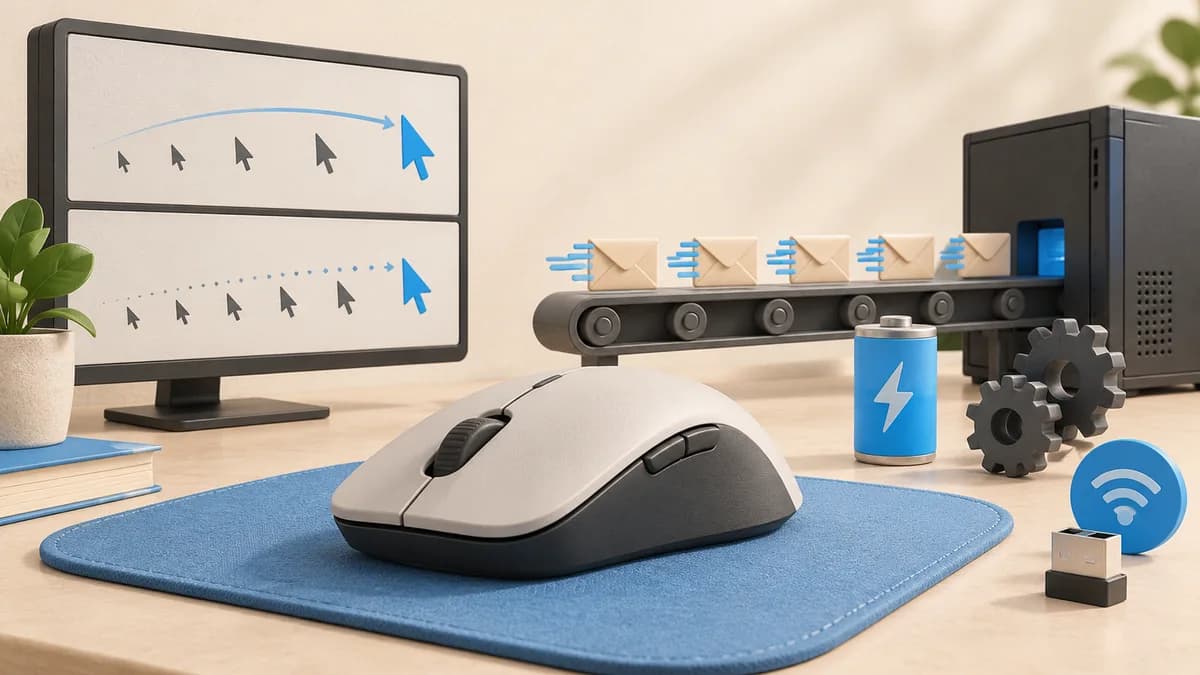
Polling rate is expressed in hertz and describes reporting frequency. A nominal 1,000 Hz setting allows reports every millisecond; that interval is arithmetic, not a measurement of total click-to-screen latency. DPI instead changes the movement scale. Raising one does not automatically raise the other.
Higher reporting rates can add system load and reduce wireless battery life. Available settings depend on the mouse and connection mode. Keep polling unchanged while sorting out sensitivity, otherwise a change in smoothness or frame rate can muddy your comparison. Treat a browser polling test as a rough check, not definitive proof of a mouse's maximum performance.
Sources: Logitech: polling rate and DPI
A practical way to find your setting
Start with the setting you already use. Write down DPI, game sensitivity and any separate aiming sensitivity. Pick one familiar practice area and use the same mouse pad. The aim is to identify a repeated problem, such as running out of pad or repeatedly passing a target, rather than reacting to one missed shot.
Keep DPI fixed first and make a modest change to game sensitivity. Repeat the same movements before deciding whether to keep it. If desktop navigation is also uncomfortable, adjust DPI separately and revisit the game setting afterward. Compatible manufacturer software can store DPI stages, but the controls and available increments differ between models.
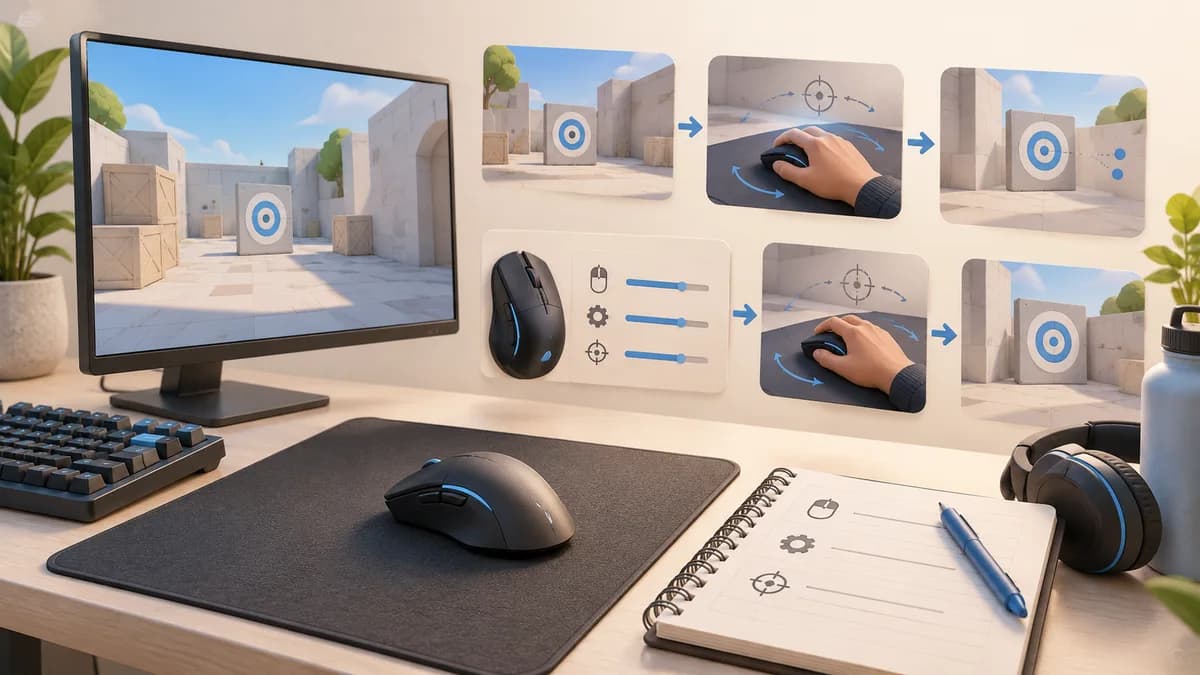
- Check that an accidental DPI-button press has not changed the active stage.
- Try tracking, a deliberate turn and a small correction instead of judging only one flick.
- Save the setting that feels controllable and return to it if the experiment is worse.
Sources: Corsair Support: adjust mouse DPI
What to check before buying a higher-DPI mouse
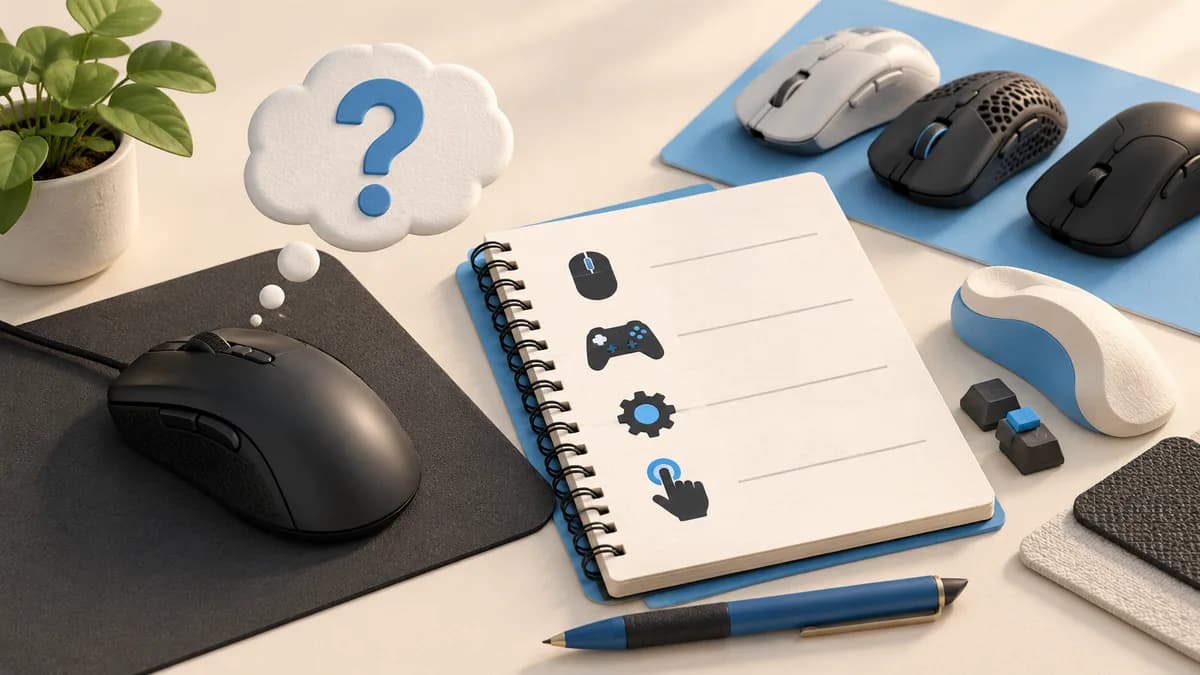
Ask what your existing mouse cannot do. If it already offers a comfortable sensitivity range, a larger advertised maximum alone is not a clear reason to replace it. Button reach, usable software and a shape you can control may address your problem more directly.
Before shopping, make a short requirements note: your current DPI, the game you play, whether you need onboard profiles, and whether the DPI control is easy to press accidentally. That note gives our five-pick gaming mouse guide a useful starting point and helps separate a required feature from a number you may never use.
Sources: Corsair Support: adjust mouse DPI
Common questions
Is 800 DPI better than 1600 DPI?
Neither is universally better. With suitable game sensitivity, both can produce a usable movement range. Compare control in your own setup rather than treating either value as a guaranteed advantage.
Does DPI change mouse speed on the desktop?
Yes, changing DPI generally changes pointer movement when the other settings stay the same. Desktop pointer settings also influence the result, so record both before troubleshooting.
Will maximum DPI improve my aim?
Not by itself. An excessively sensitive configuration can make corrections difficult for you. Use the range that lets you make the movements you need, then consider fit and practice separately.
PUT IT INTO PRACTICE
Compare your options
Once sensitivity is clear, compare five gaming mice by fit, controls and connection type.
Best gaming mouse: compare our five picksSources and editorial approach
ChooseRight researched the sources below to explain the topic and its practical trade-offs. Examples are illustrations, not results from our own product testing. Sources checked October 21, 2026. Artwork is AI-generated for explanation and does not document hands-on testing.