
START HERE
The short answer
Unplug or switch off the keyboard, remove loose debris, and clean its exterior with a minimally damp, approved cloth. Remove and wash keycaps only when the model instructions permit it; let every part dry fully before reconnecting.
- Check the exact keyboard before removing keycaps.
- Put liquid on the cloth, never into the switches.
- Cleaning-agent recommendations differ between manufacturers.
Identify the model and disconnect power
Find the model name on the underside and open its care instructions before choosing a cleaner. A low-profile board, a conventional mechanical board and a laptop keyboard can have different keycap attachments even when they look similar from above.
Unplug the USB cable and switch wireless power off. Remove replaceable batteries if the instructions call for it, but do not open a sealed battery compartment. Work on a clear, dry surface with a soft cloth and a small container for any removable parts.
Sources: Logitech: Keyboard cleaning guidance; Logitech G915: Care and keycap removal instructions
Remove loose debris before wiping
Start with the least invasive cleaning step. Logitech advises gently turning the keyboard over to release loose debris. Avoid hard knocks: a crumb does not justify striking a keyboard against the desk.
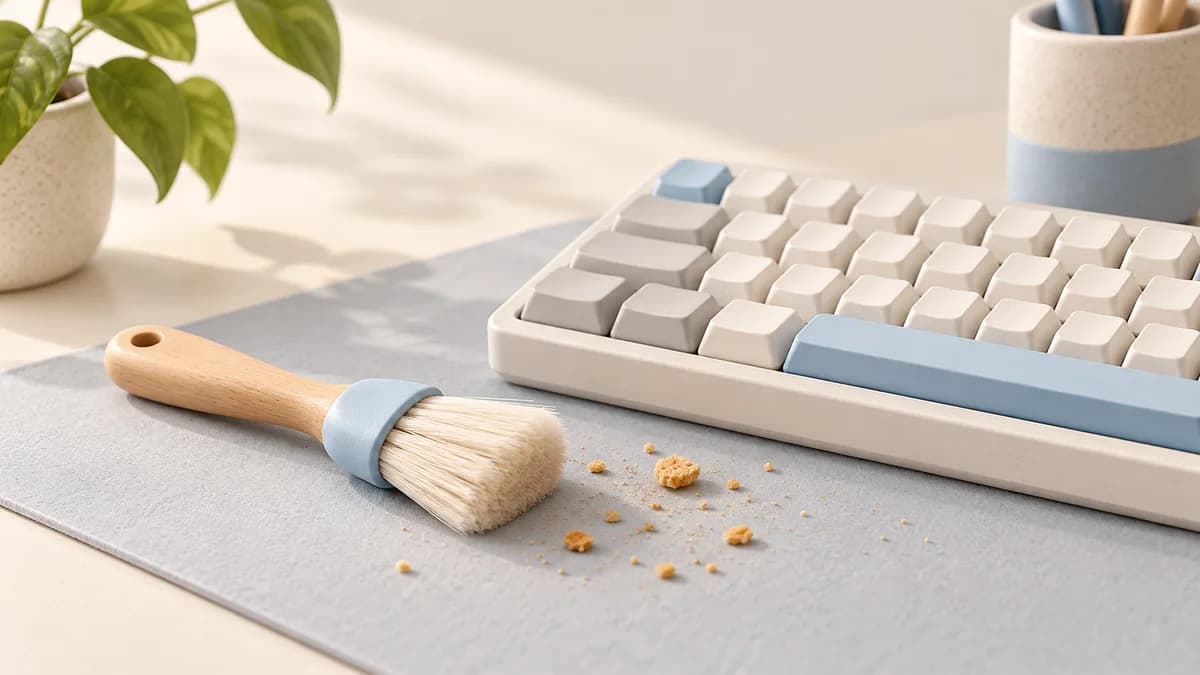
A soft brush can reach gaps around the keys. If using canned duster, follow its label and the keyboard maker's directions, including upright use where specified and short bursts. Keep the nozzle away from the surface rather than pushing it between moving parts.
Sources: Logitech: Keyboard cleaning guidance
Remove keycaps only when permitted
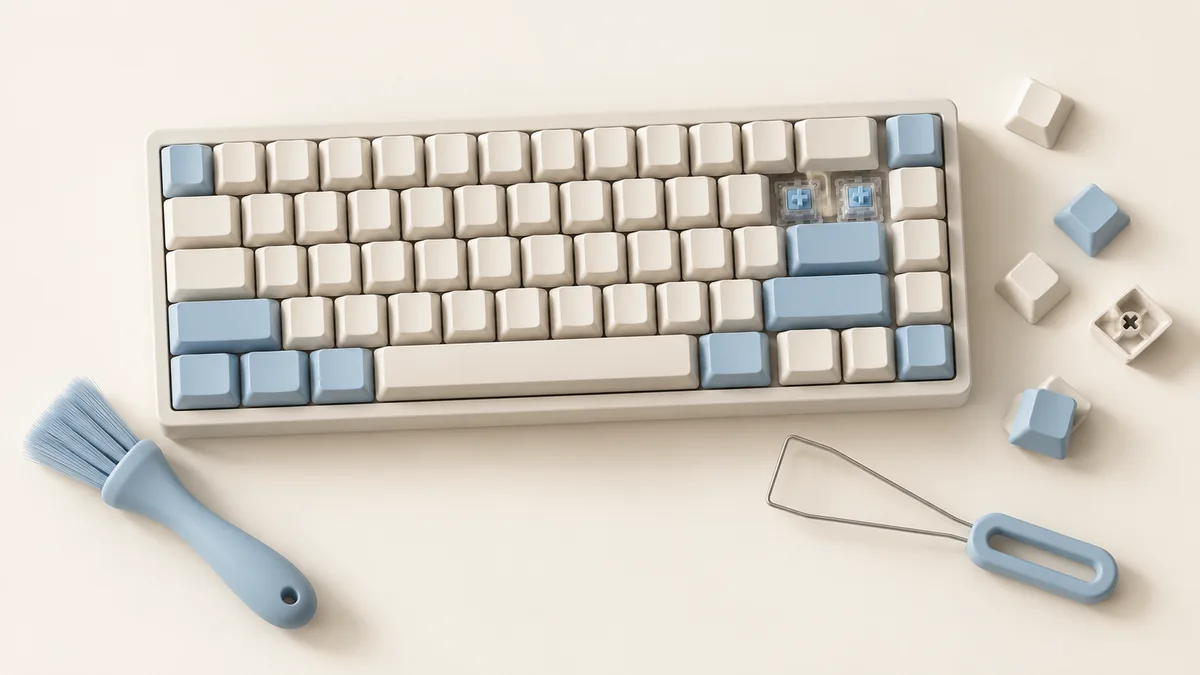
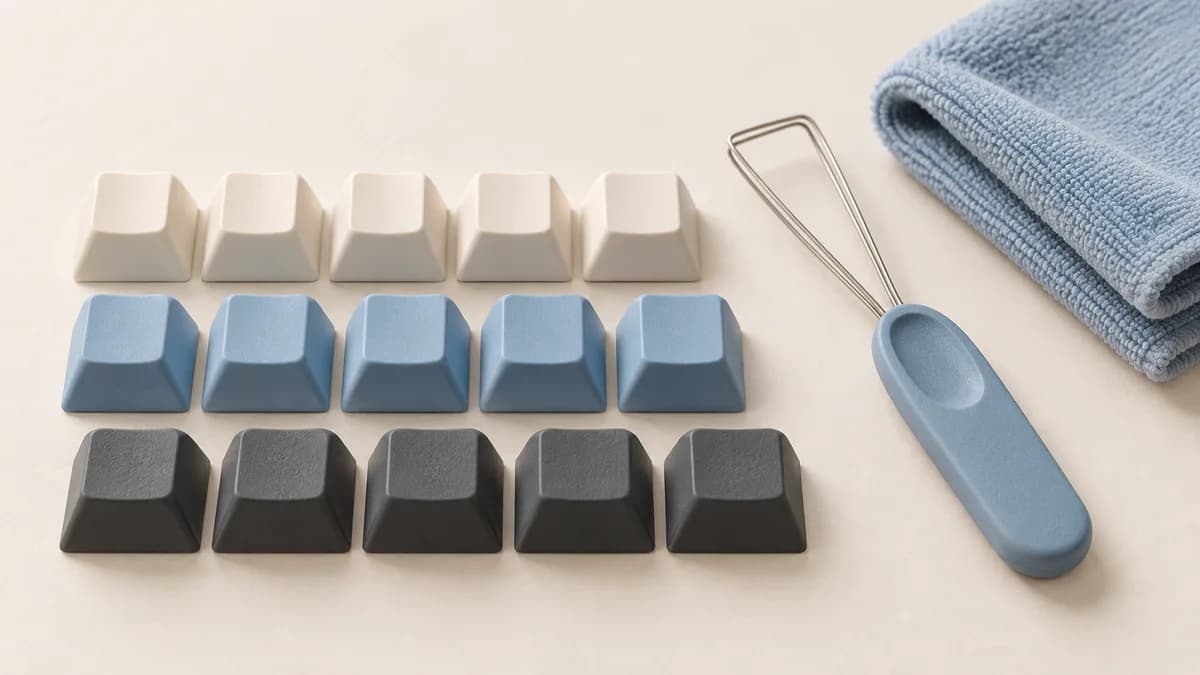
Take a clear photograph of the layout first. If the manual permits removal, use the specified puller and method. Large keys may have stabilizers, and low-profile attachments can differ from conventional stems. Stop if a cap does not release as described.
Corsair describes washing compatible removed keycaps in warm soapy water, then rinsing and drying them separately. That instruction applies to the caps, not the keyboard body, switches or cable. Check coating and material restrictions before copying a washing method from another model.
Sources: Corsair: Cleaning keycaps and keyboards; Logitech G915: Care and keycap removal instructions
Keep moisture and cleaners under control
Use the cleaner approved for your particular board. Logitech and Corsair publish different alcohol guidance, so there is no universal alcohol concentration suitable for every keyboard finish. Avoid substituting a household solvent because it removes grease quickly.
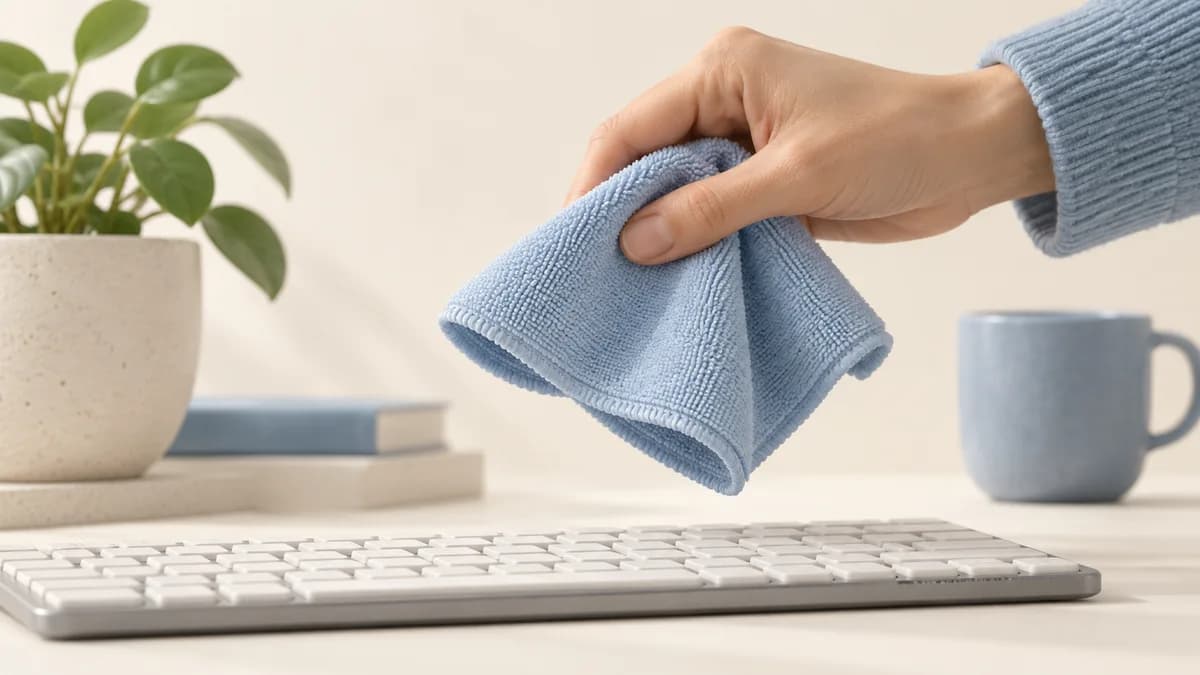
Lightly dampen the cloth rather than spraying the board. Wipe exposed surfaces without letting liquid collect around switches or ports. Cleaning is not the same as a validated disinfection process, and adding more liquid does not make electronics safer or cleaner.
Sources: Logitech: Keyboard cleaning guidance; Corsair: Cleaning keycaps and keyboards
Dry, reassemble and check the result
Allow cleaned parts to dry completely before reassembly. Corsair's keycap routine includes air-drying overnight, but the important endpoint is that no moisture remains, including inside the caps. Do not rush the process with a hot hair dryer.
Use your layout photograph to reinstall permitted caps in the correct positions, then reconnect and check the keys. If a switch still sticks or fails, avoid repeatedly pouring cleaner into it. Ask the manufacturer about repair or replacement and keep drinks away from the board afterward.

| Part | Starting approach |
|---|---|
| Loose dust | Gentle brush or manufacturer-approved air method |
| Keycap surface | Approved cloth with minimal moisture |
| Removable caps | Follow the specific material and removal instructions |
| Internal spill | Disconnect power and consult service guidance |
Sources: Corsair: Cleaning keycaps and keyboards; Logitech: Keyboard cleaning guidance
Common questions
Can I wash the whole keyboard?
Do not submerge an ordinary mechanical keyboard. A removable keycap is not evidence that its switches or electronics tolerate washing.
Can I use rubbing alcohol?
Only if your model's instructions allow the product and concentration. Manufacturer guidance and surface coatings differ.
How often should I clean it?
Check for debris and surface grime regularly and clean when needed. Food, pets and desk use matter more than a single schedule for everyone.
Sources and editorial approach
ChooseRight researched the sources below to explain the topic and its practical trade-offs. Examples are illustrations, not results from our own product testing. Sources checked October 30, 2026. Artwork is AI-generated for explanation and does not document hands-on testing.